

The user role and permissions can be configured here:
Staff App > User Roles
User Role
The permissions for archiving residents data is available under the Residents App, as shown below.

Permissions
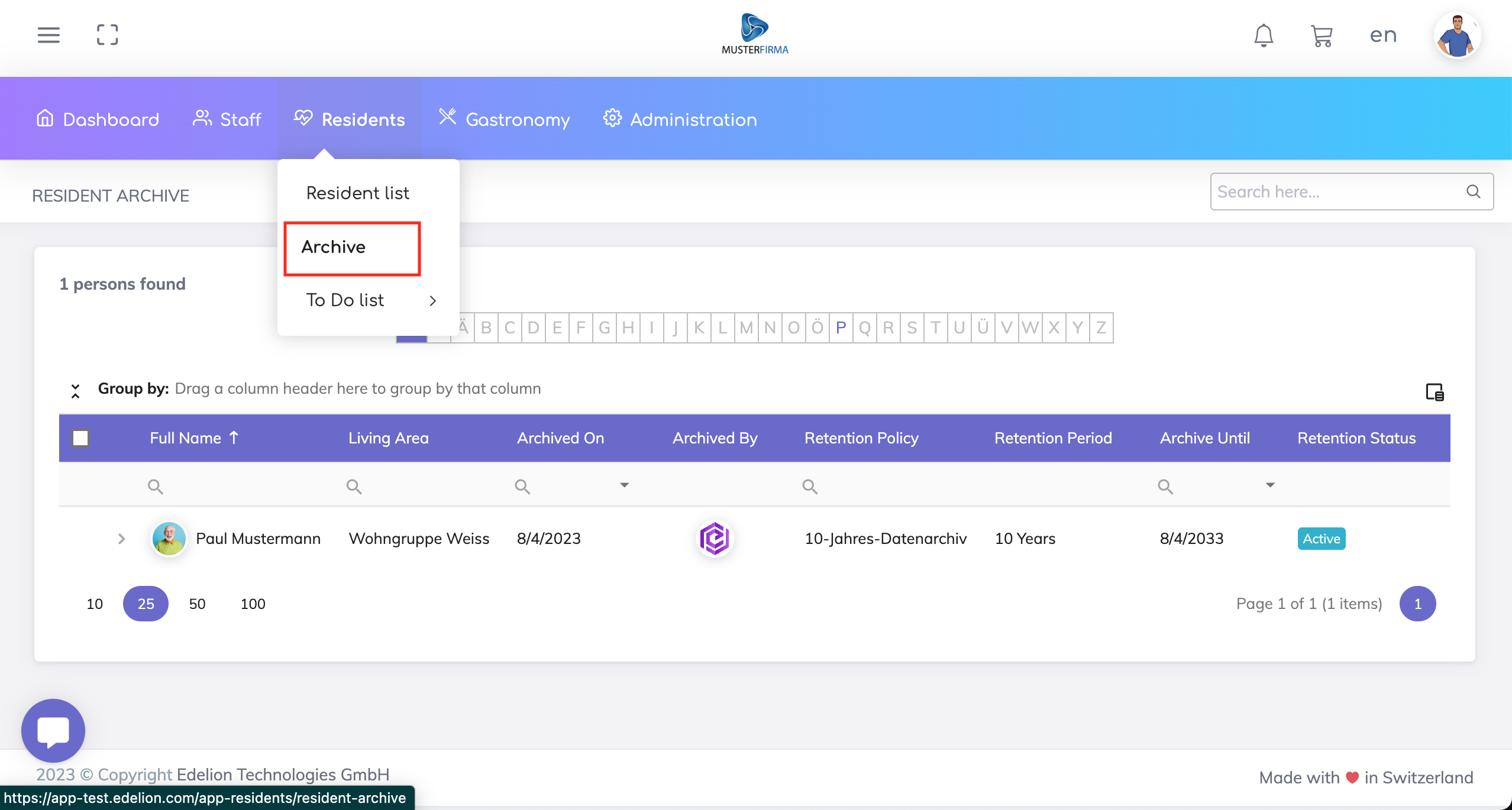
Display
Display permission gives the assigned user display access to the Archived Residents List.
Create/Edit
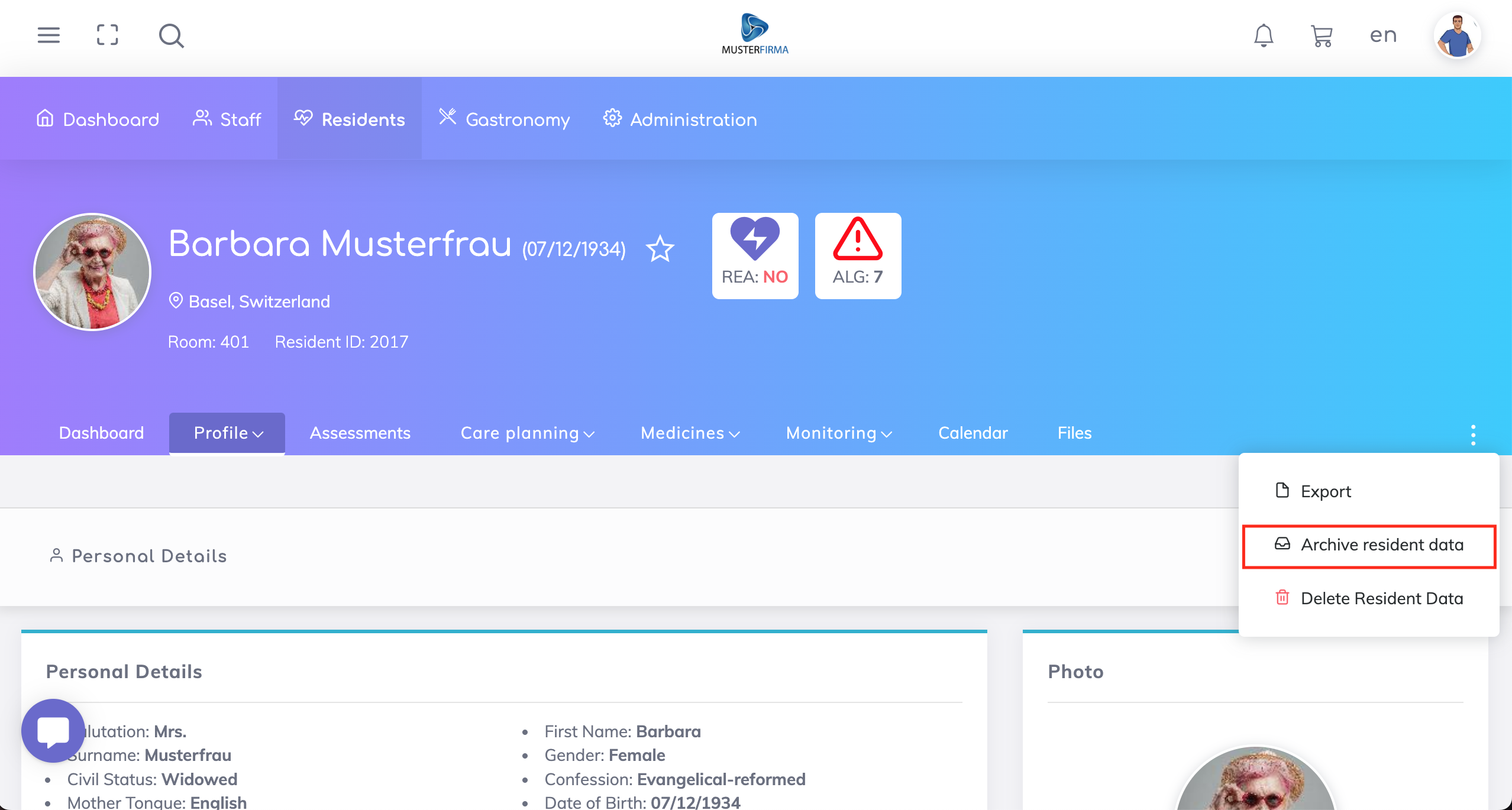
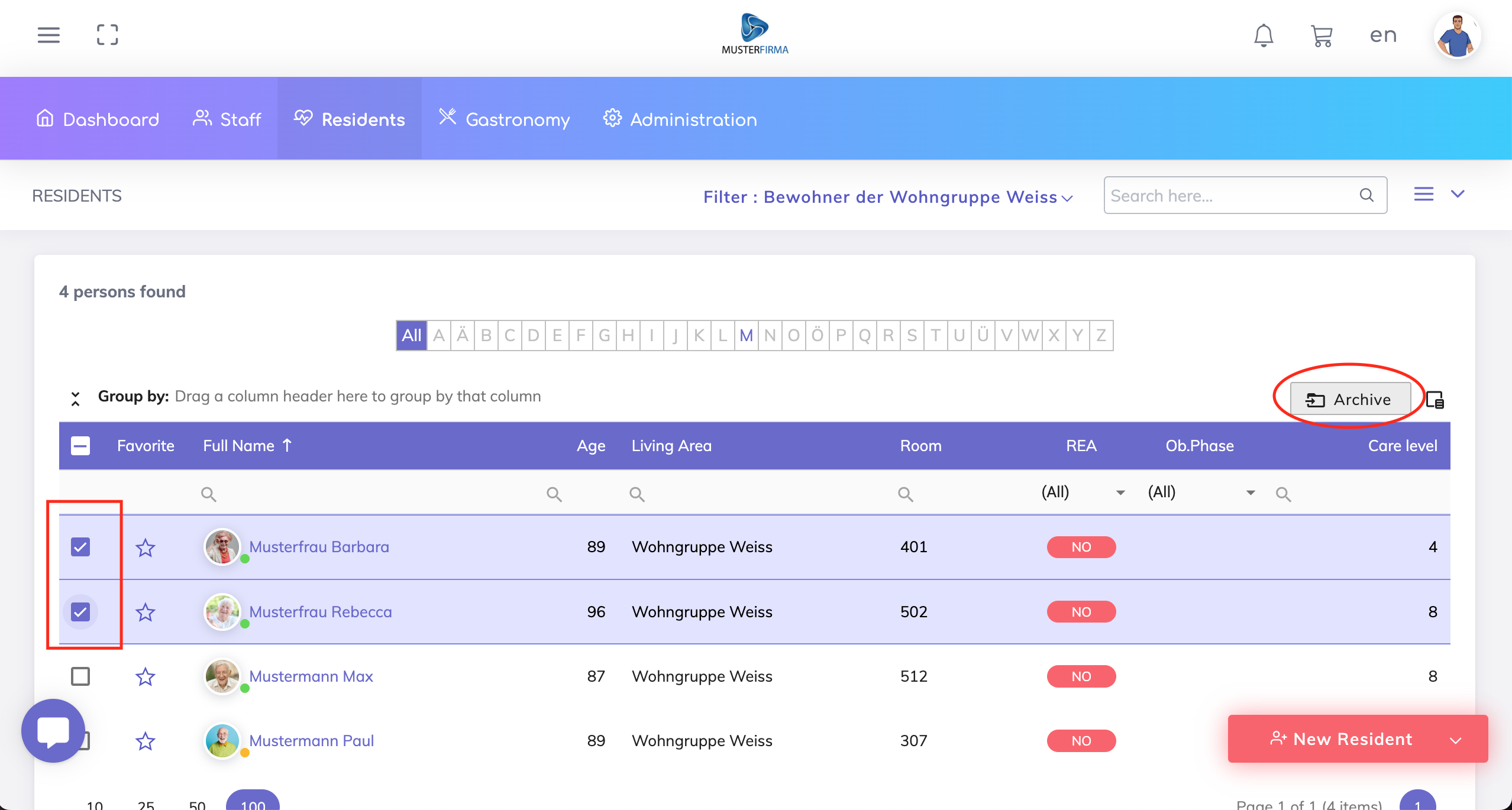
Create and edit permissions give the assigned user the possibility to archive a resident record individually or multiple records at once.
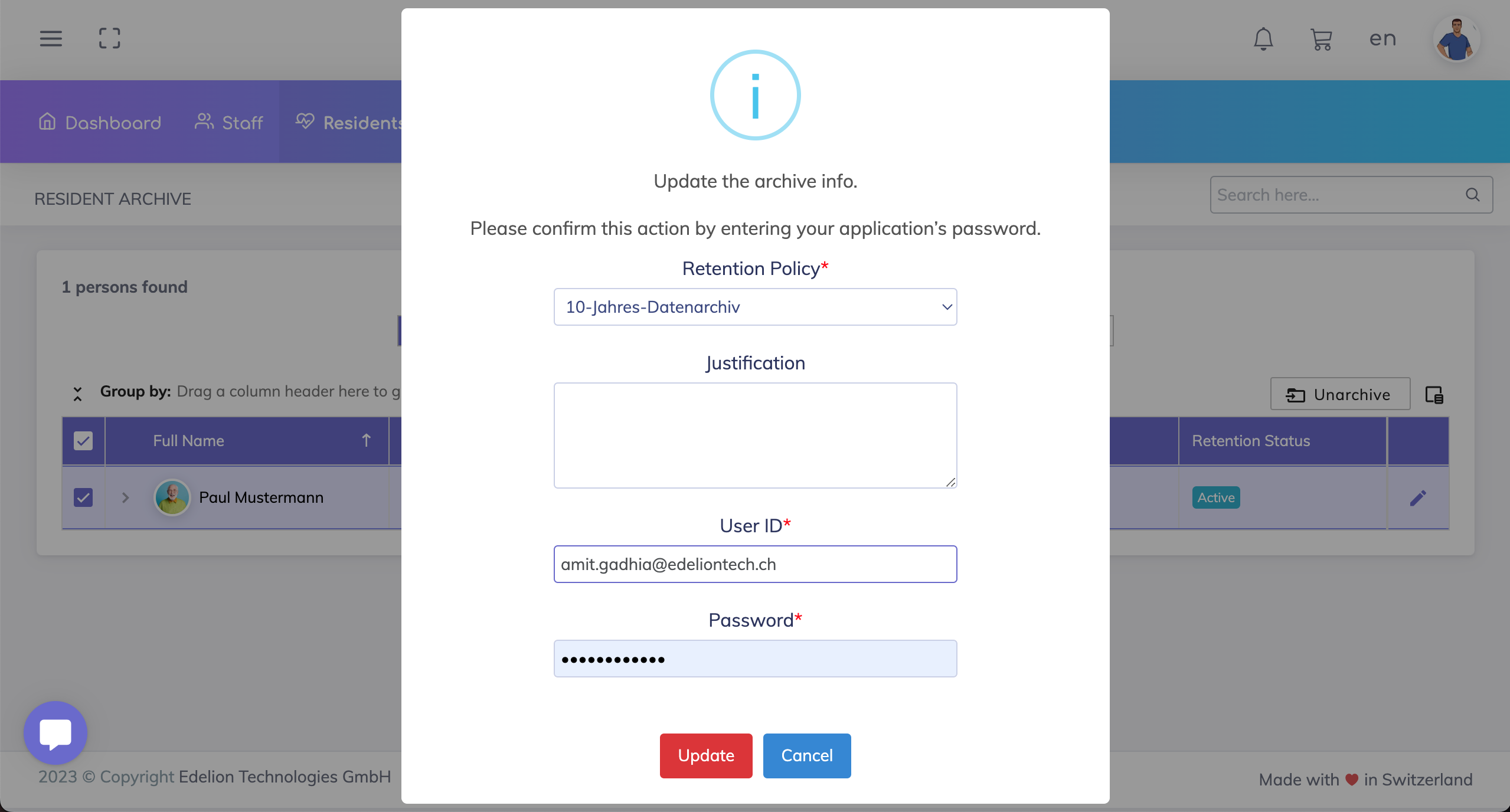
Edit
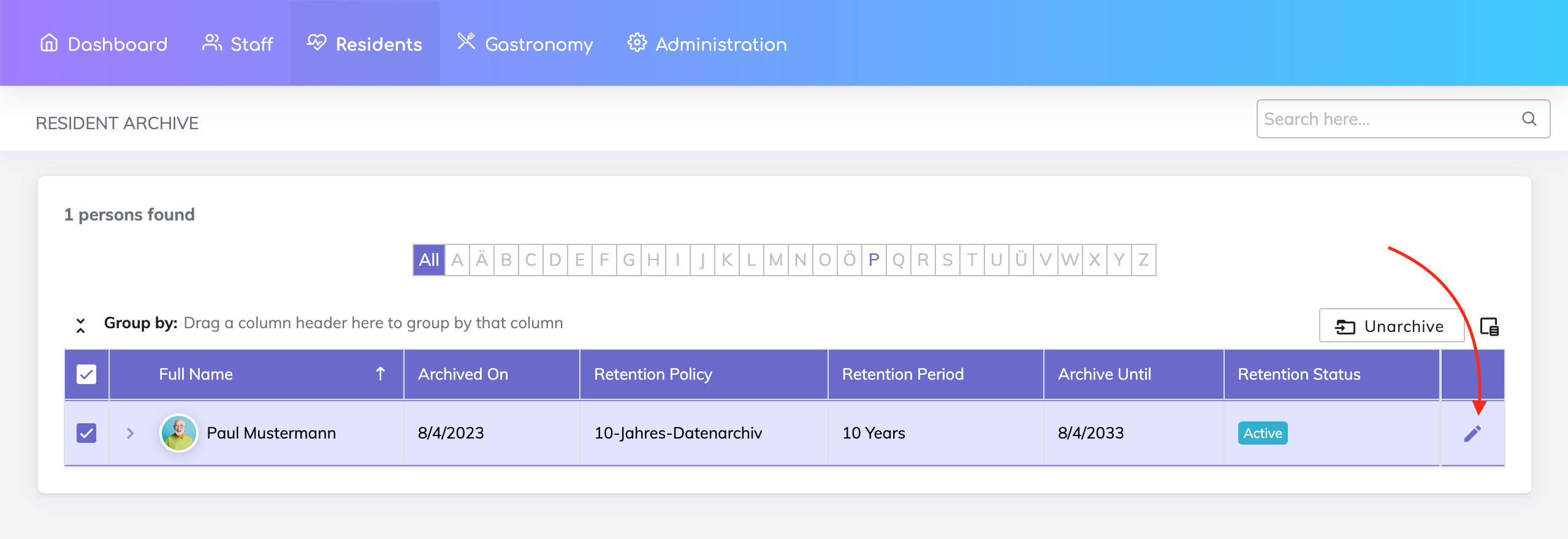
Edit permissions give the assigned user the possibility to update the archiving details.
Delete
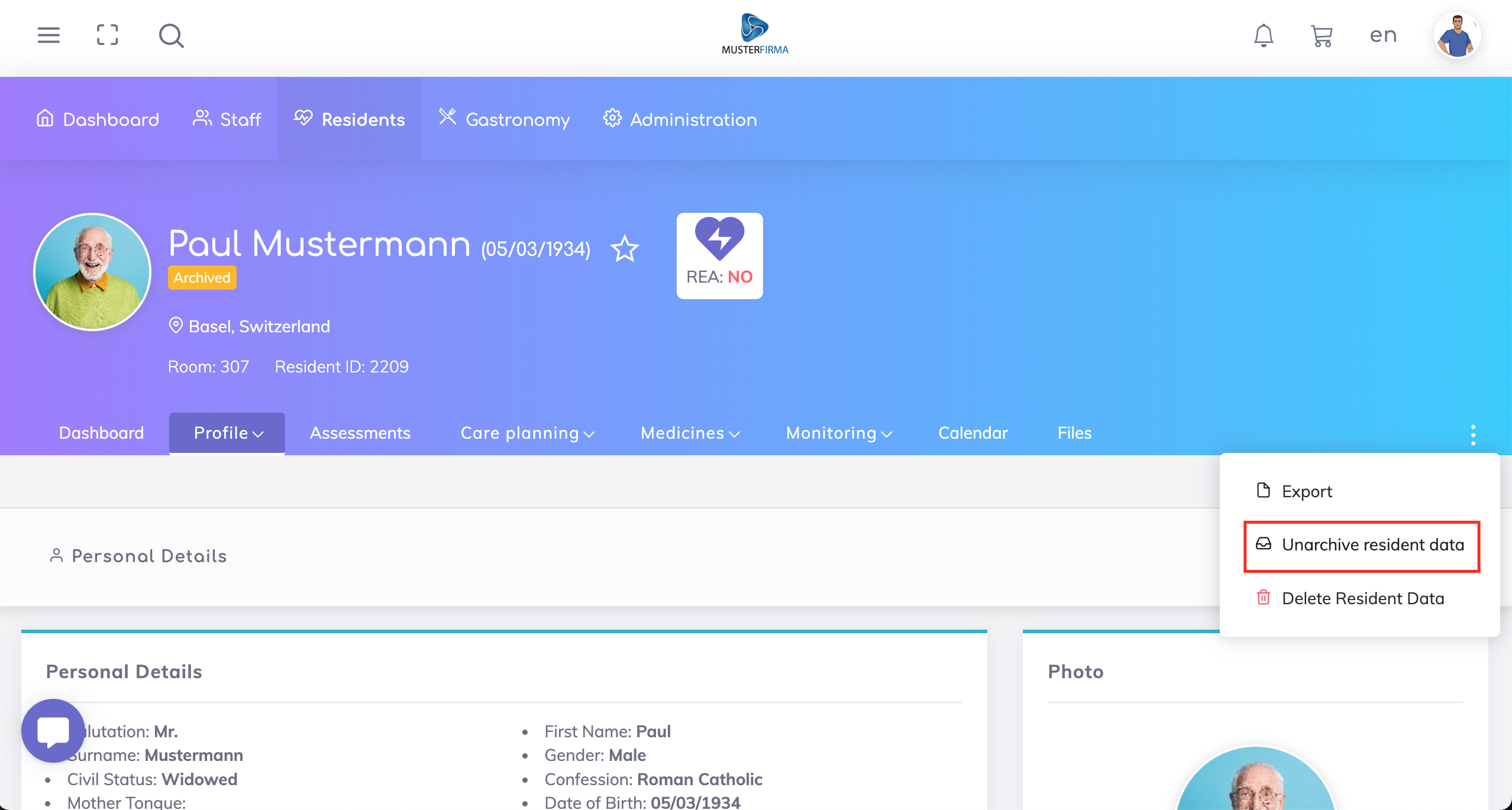
Delete permission gives the assigned user the possibility to remove a resident record from the archive either individually or multiple records at once.

Still got questions?
We are happy to help. Please feel free to contact us.