

The Retention Policy defines the period the data should be kept in the archive. The configuration for the retention policy can be accessed as follows under the Admin Configurations page:
Configurations > Residents > Archive > Retention Policy
Create a new retention policy by giving it a suitable name and press save.
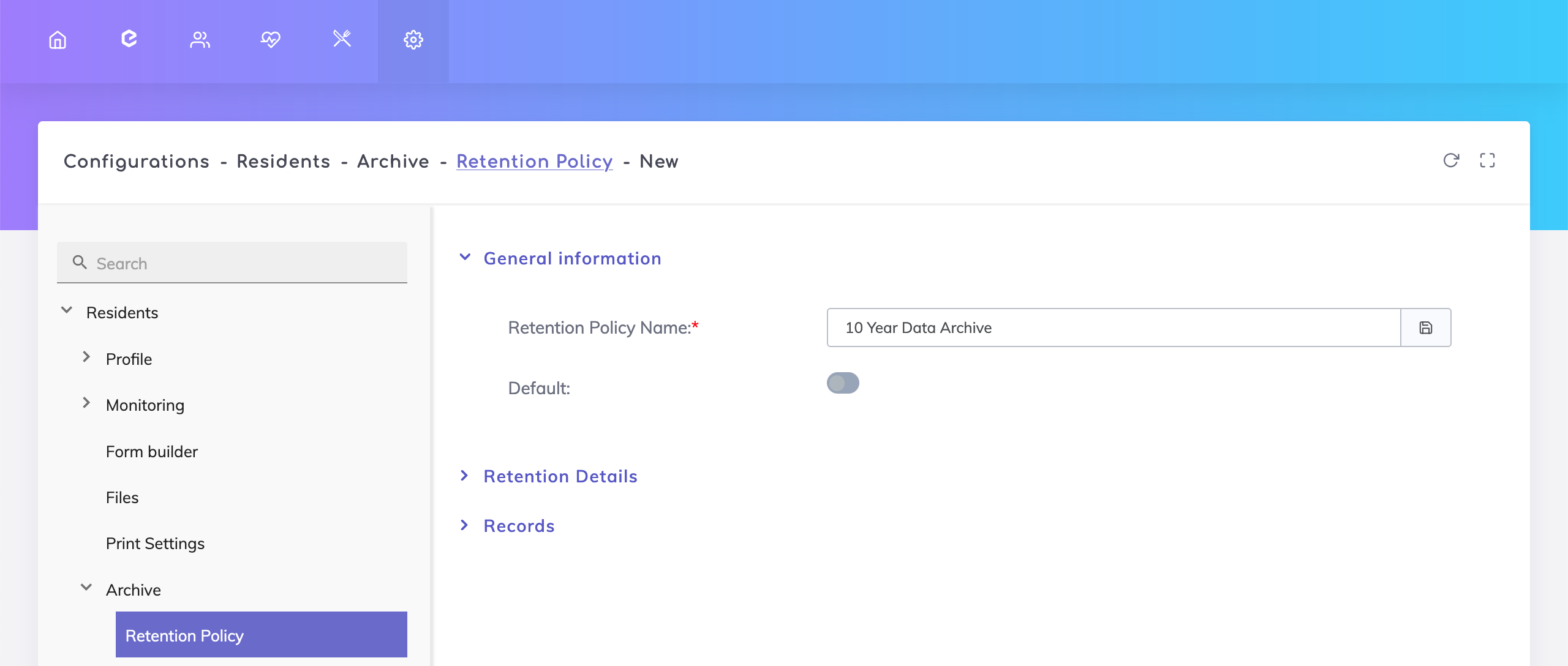
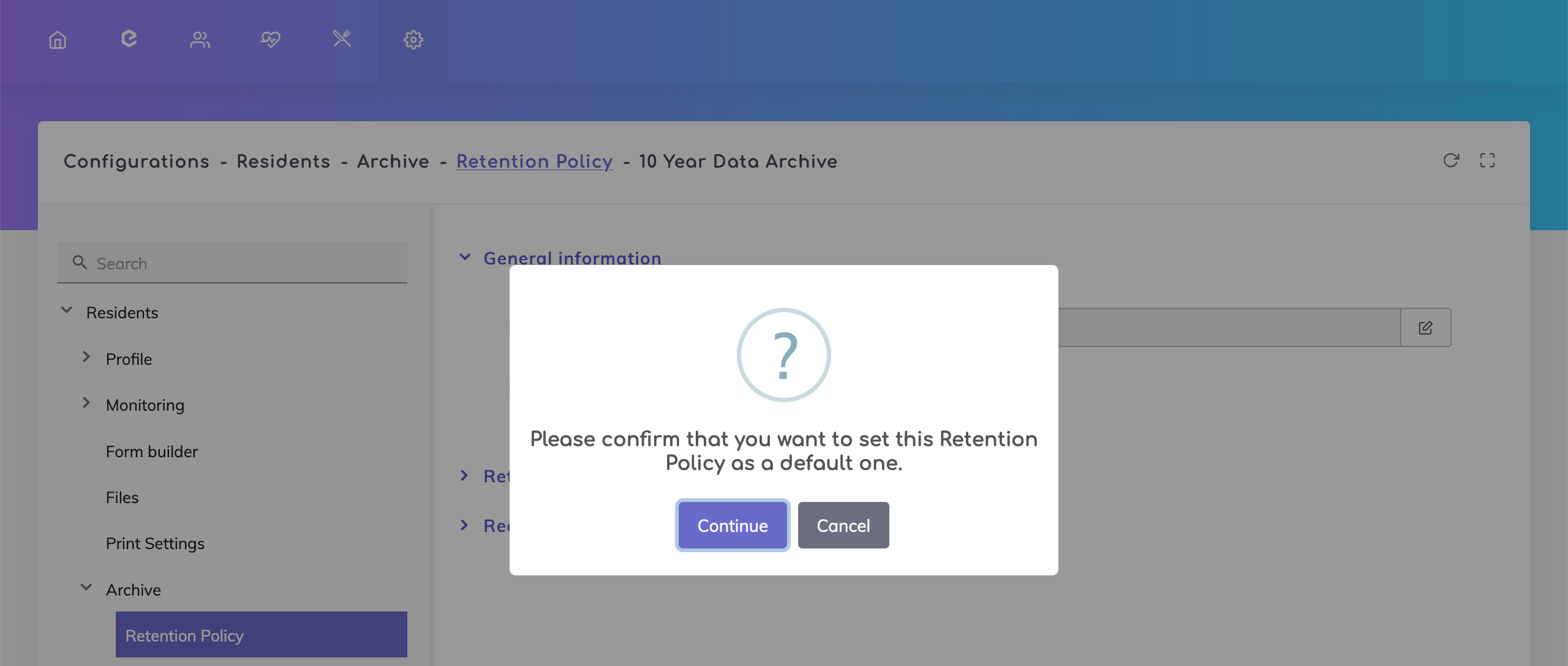
If you have more than one retention policy, then you can configure which policy should be the default policy when archiving data by switching on the default field. On switching it on, a pop up appears asking you confirm this action.
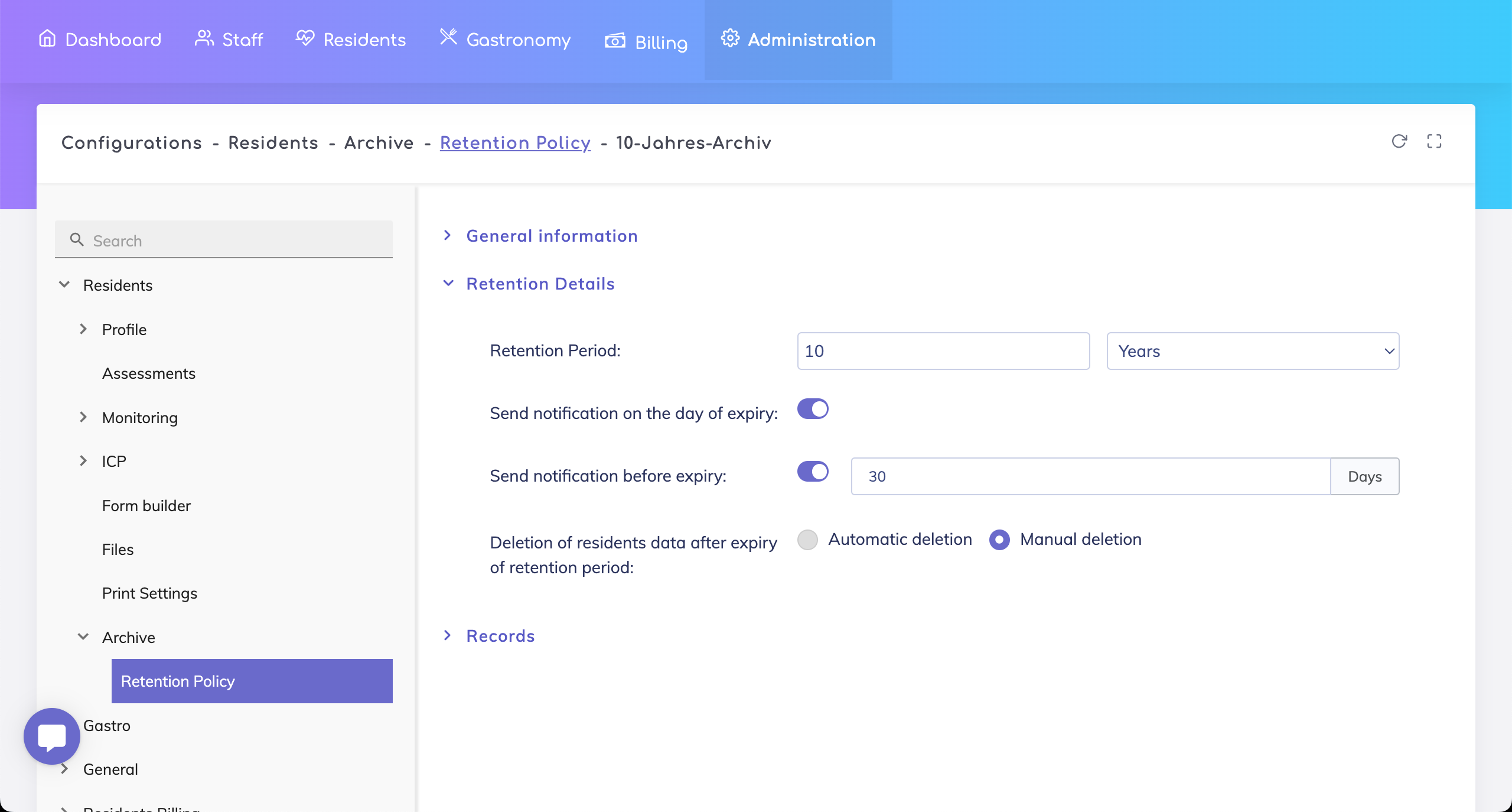
Next under the tab Retention Details, define the following:
Retention period - This is the period that the archived record should be retained for. The period can be defined in days, weeks or years.
Notification on the day of expiry - Activate this switch to send a notification to the Administrator on the day the archived record expires.
Notification before expiry - Activate this switch to send a notification to the Administrator a specific number of days before the archived record expires.
Deletion of expired records - Archived records that have expired can either be deleted manually or automatically. Deletion of resident records is a permanent action and deleted records cannot be recovered. Our recommendation is to manually choose which records you would like to delete once they are expired.
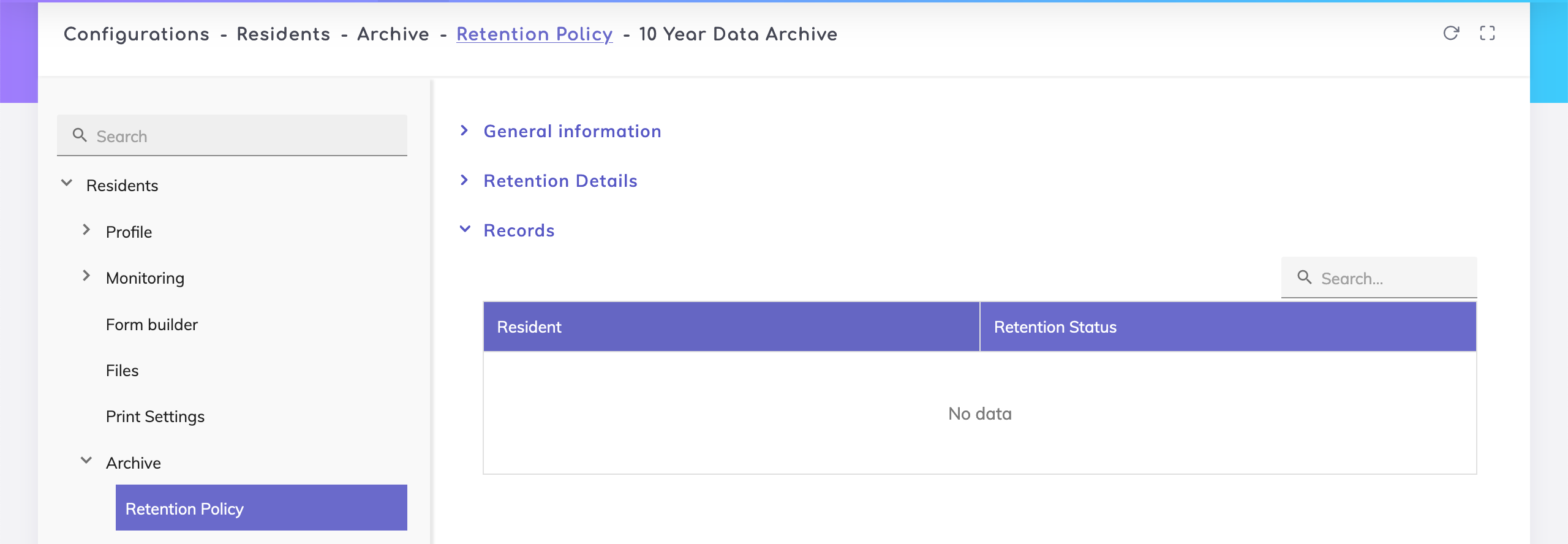
The Records tab shows all the resident records that are archived under this policy and their respective retention status i.e. whether the archive period is active or expired.
Still got questions?
We are happy to help. Please feel free to contact us.