Dashboards in the Residents App provide a customizable overview of important information, allowing you to monitor key data at a glance. By adding widgets, you can personalize your dashboard to fit your needs and streamline your workflow.
A Dashboard is a personalized screen that displays selected data in the form of widgets. It allows you to see important information such as resident activities, upcoming birthdays, and recent updates, all in one place.
Key Benefits of Dashboards:
Provide a quick overview of relevant data.
Improve efficiency by displaying important information in one location.
A Widget is a small component on the dashboard that displays specific information. Widgets allow you to visualize data and access key details quickly without navigating through multiple screens.
Widgets can be configured to show specific information based on the user’s needs, such as resident details, recent activities, or statistical charts.
There are several widget types available for customization for the Residents App:
Displays key information in a compact card format.
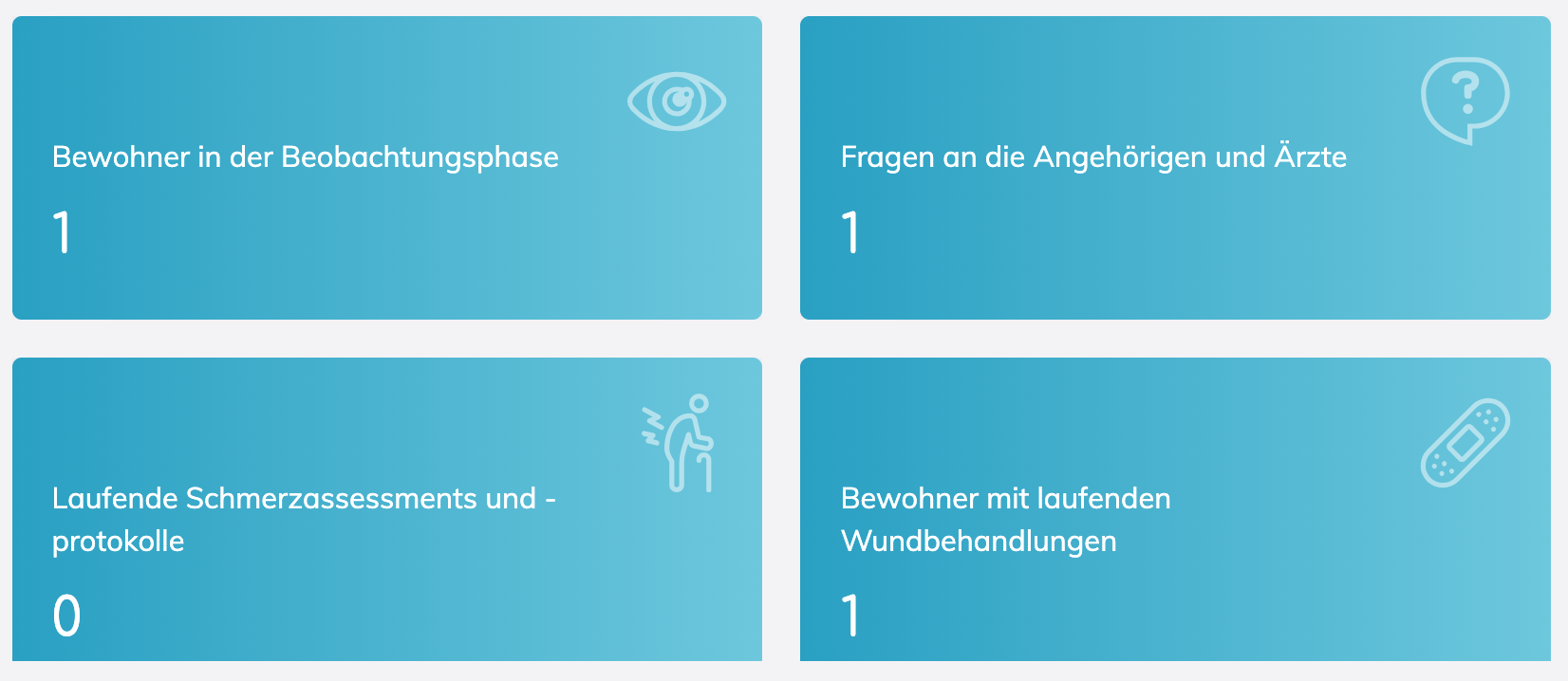
Adds text-based information.

Displays data in graphical form (bar charts, pie charts, etc.).
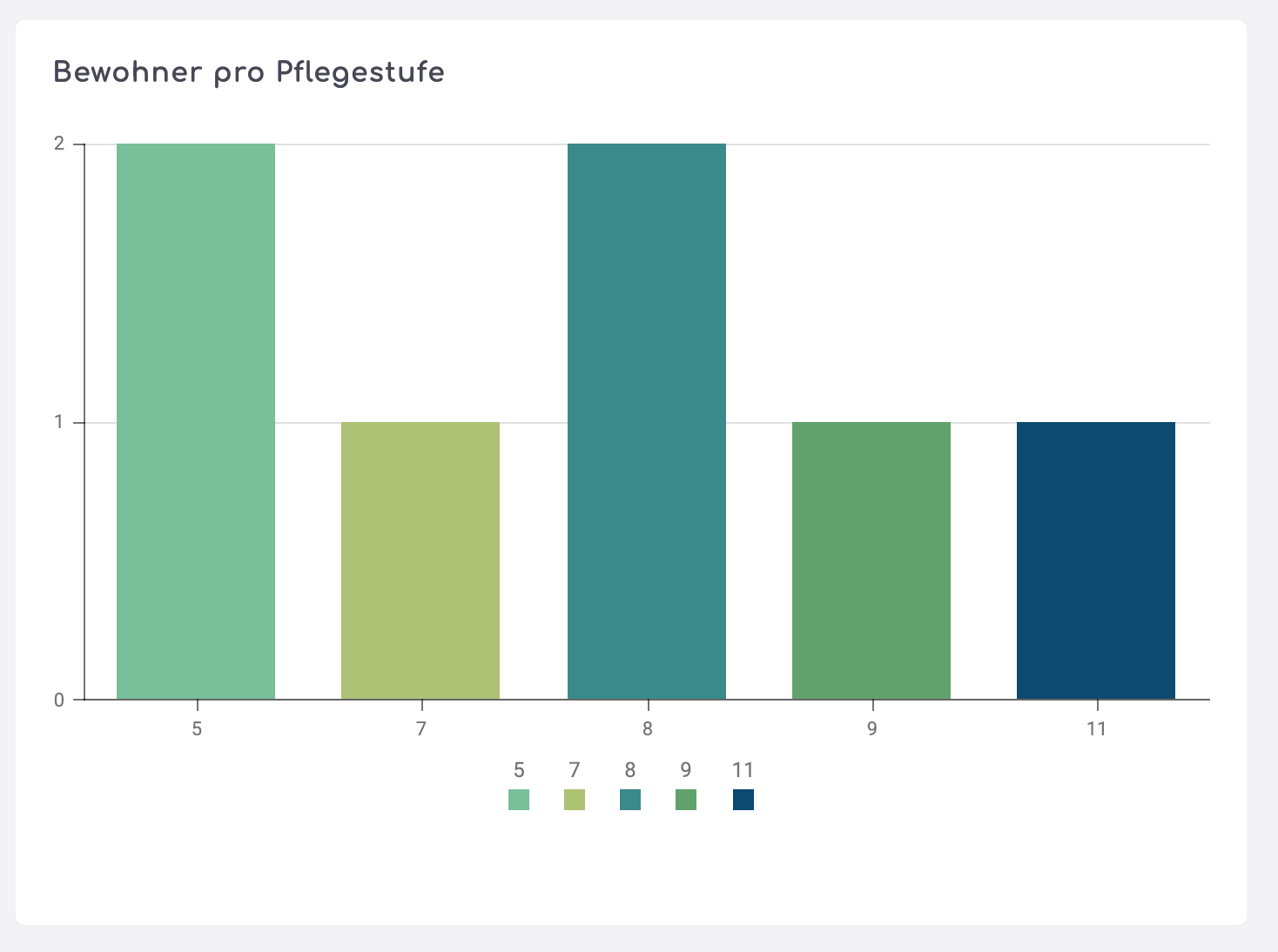
Shows a personalized greeting message.

Lists upcoming resident birthdays.
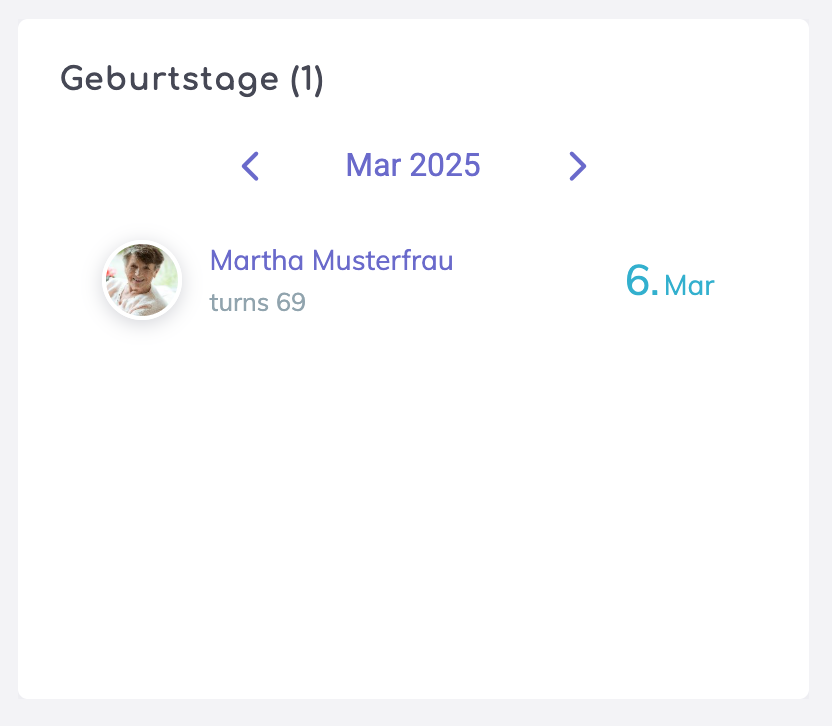
Displays the latest updates on resident data.
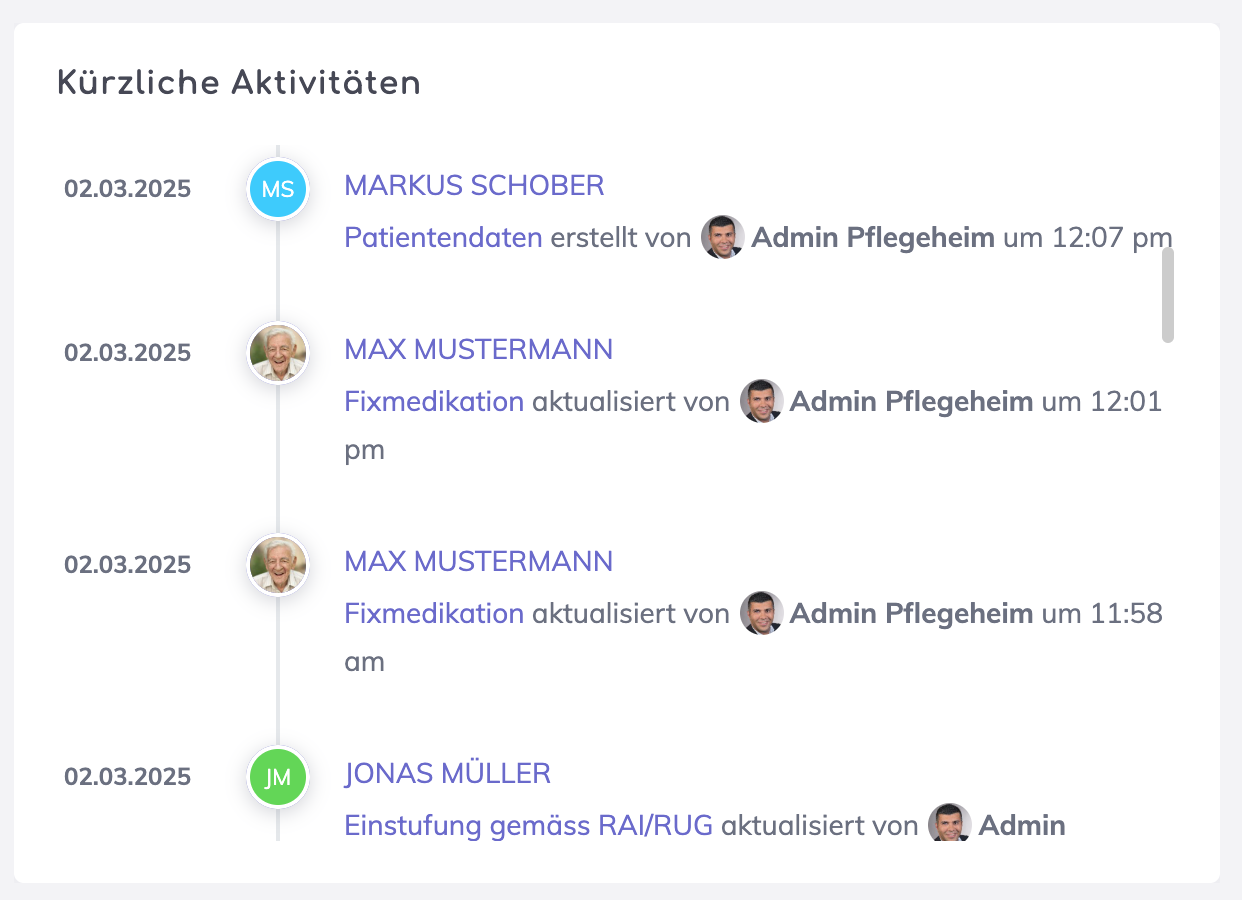
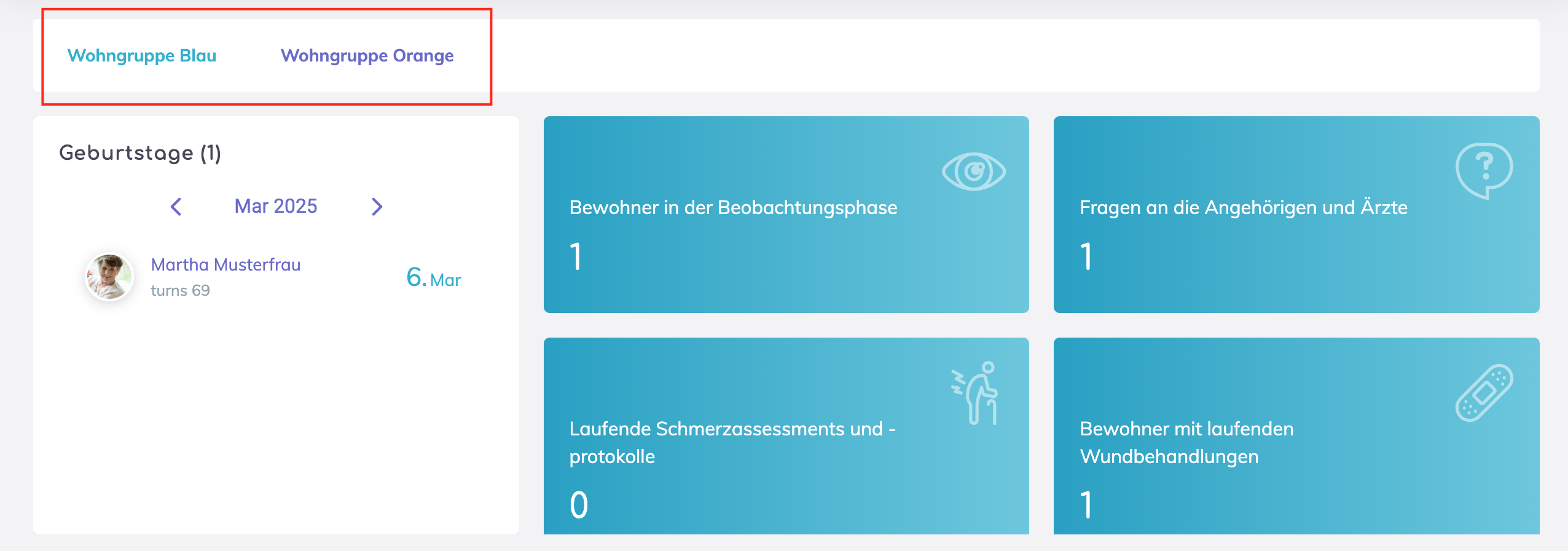
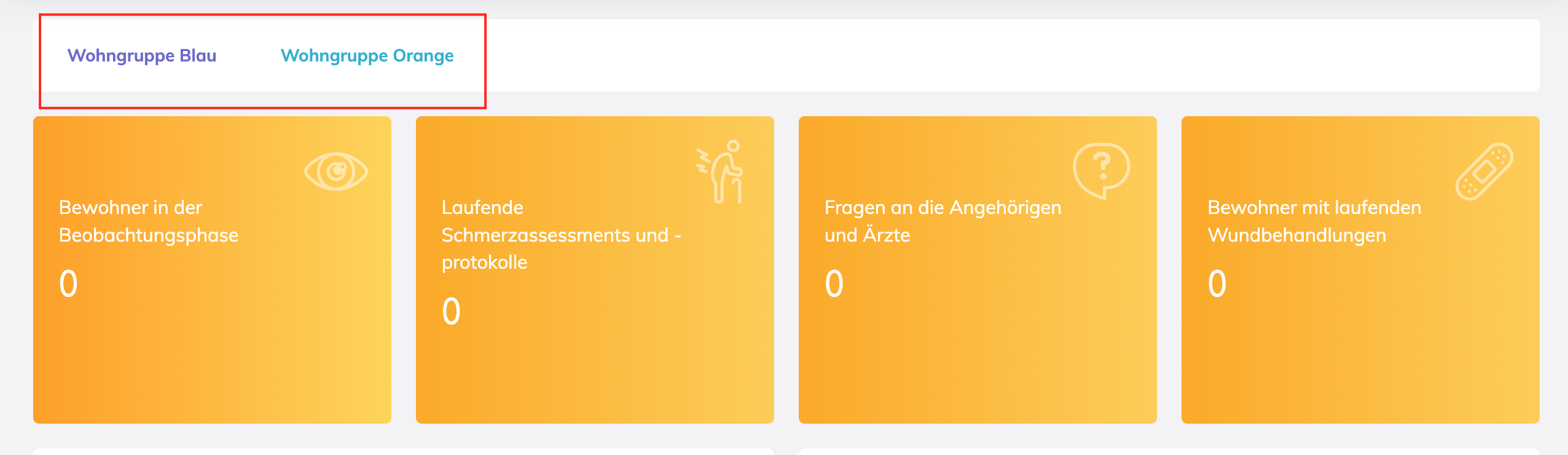
Allows multiple views within the same widget. For example, you may view the key information per department within tabs.
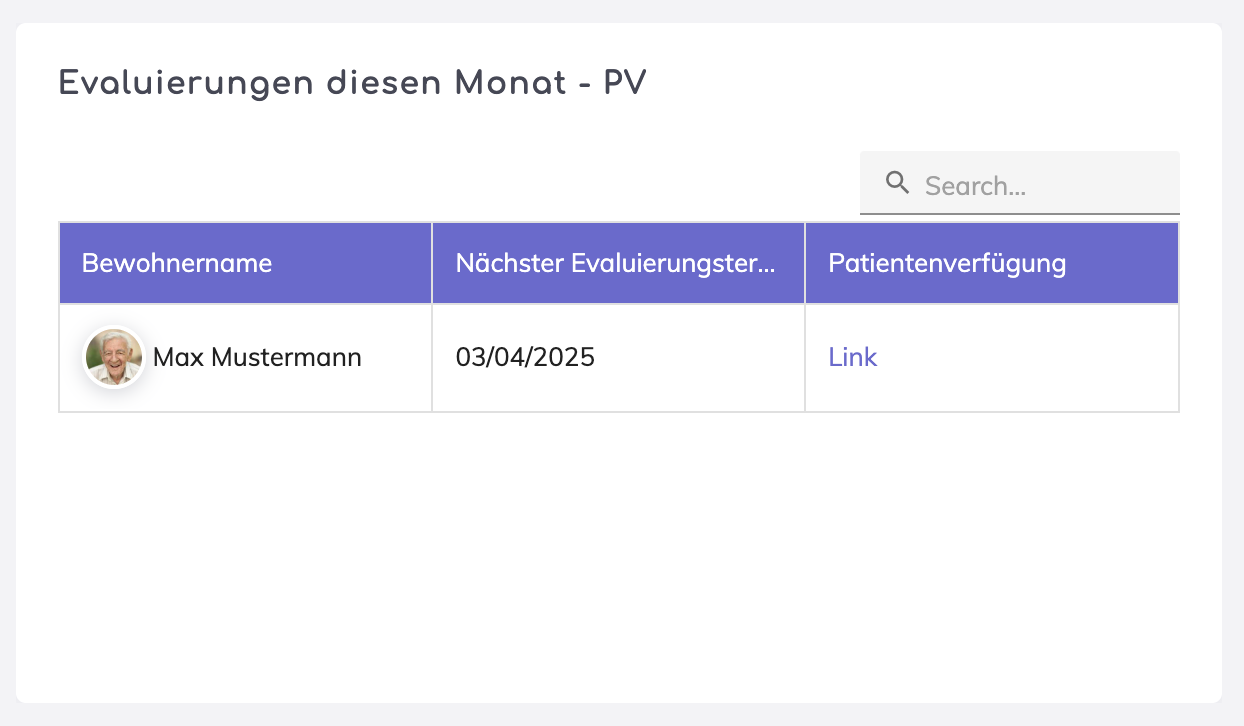
Presents structured data in table format.
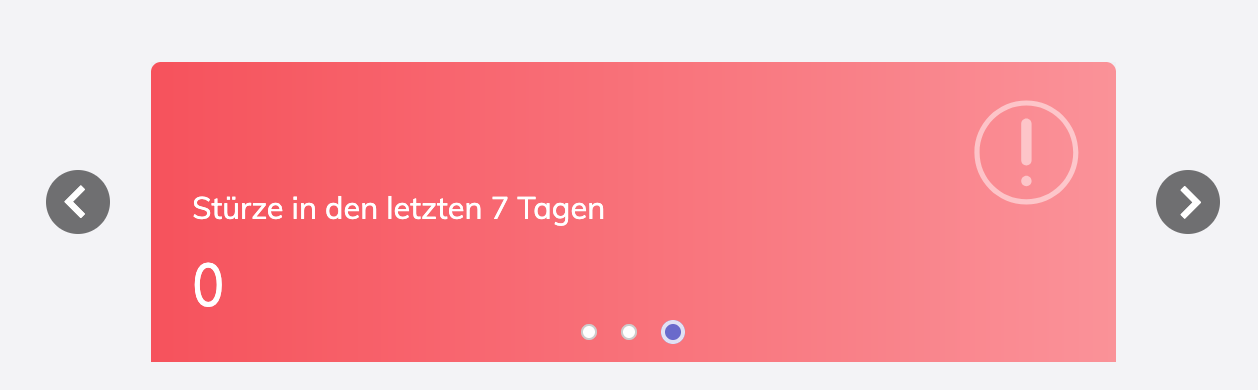
Enables a continuous slideshow view of multiple items. The other widget types can be placed within this carousel.
We're here to help. Please feel free to contact us.

