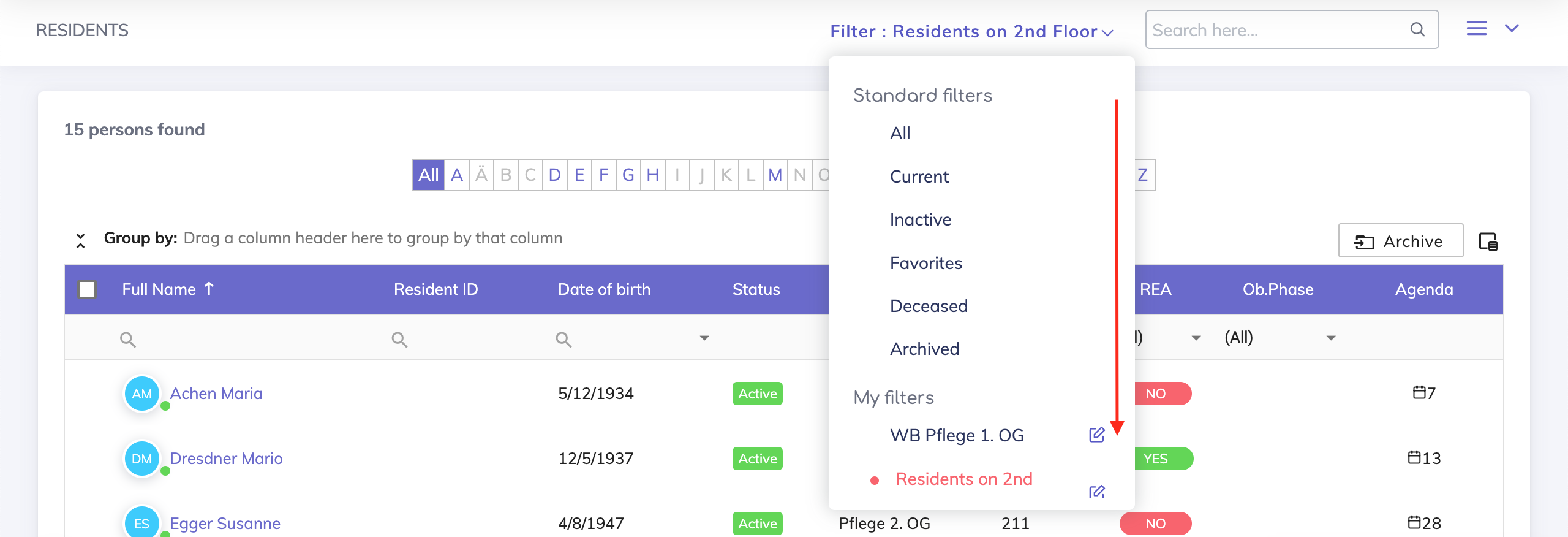
There are two types of filters on the residents overview page: standard and custom filters.
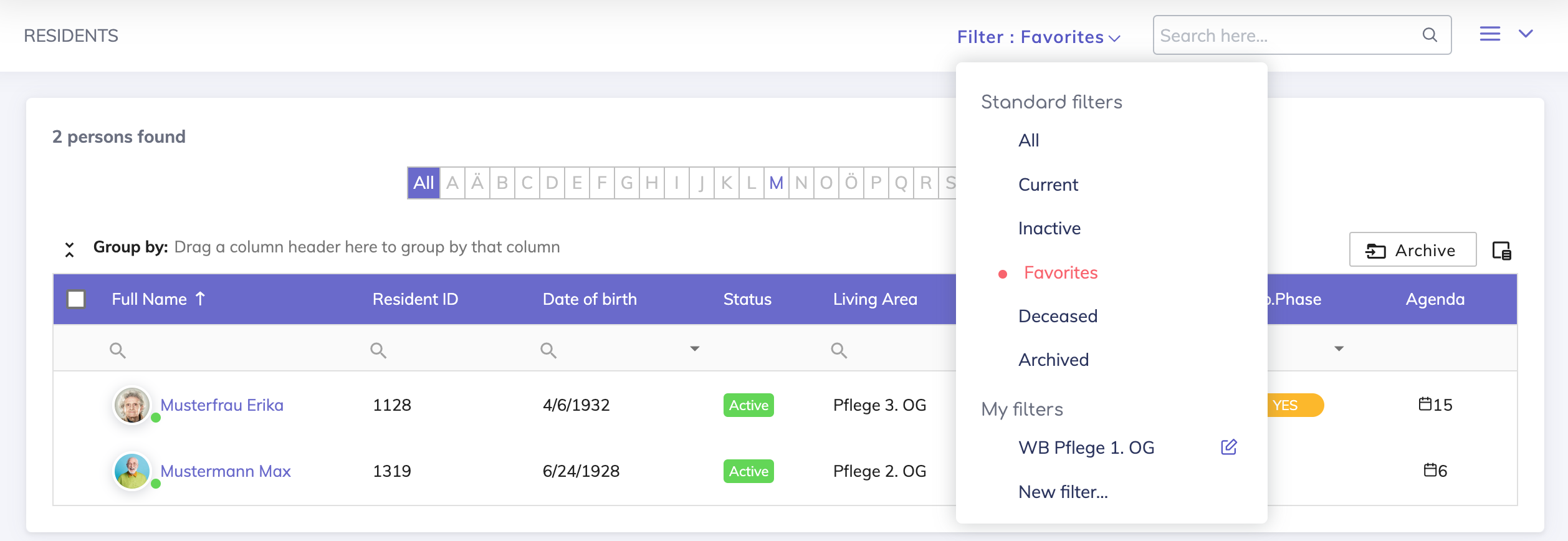

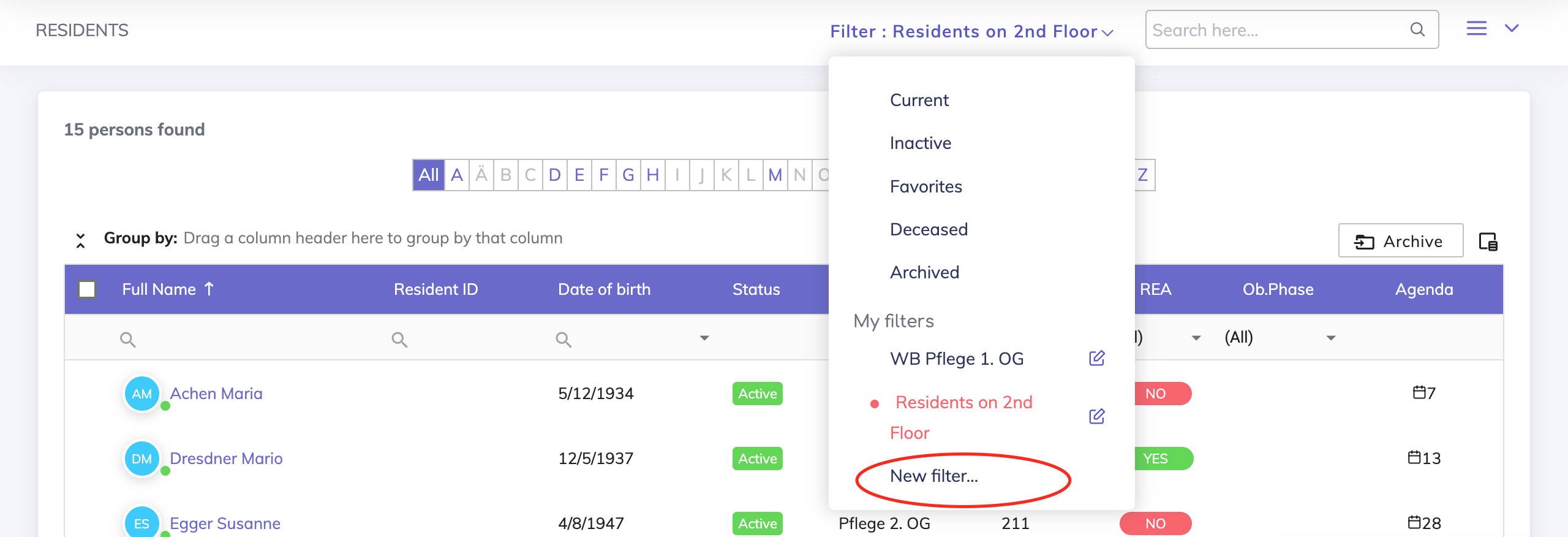
These are pre-defined filters based on the status of the resident. The following filters are available:
All - This filter displays all the residents irrespective of the status of the resident.
Current - This filter displays those residents who are currently at the care facility.
Inactive - This filter displays those residents who have left the care facility.
Deceased - This filter displays the deceased residents.
Archived - This filter displays those residents that have been archived.
Favorites - This filter displays those residents that are starred.

Custom filters allow users to efficiently filter resident records based on various parameters, such as department, insurances, and doctor names, among others.
Steps to create a custom filter:
Under the category 'My filters', click on 'New filter...' and the pop-up shown below opens.
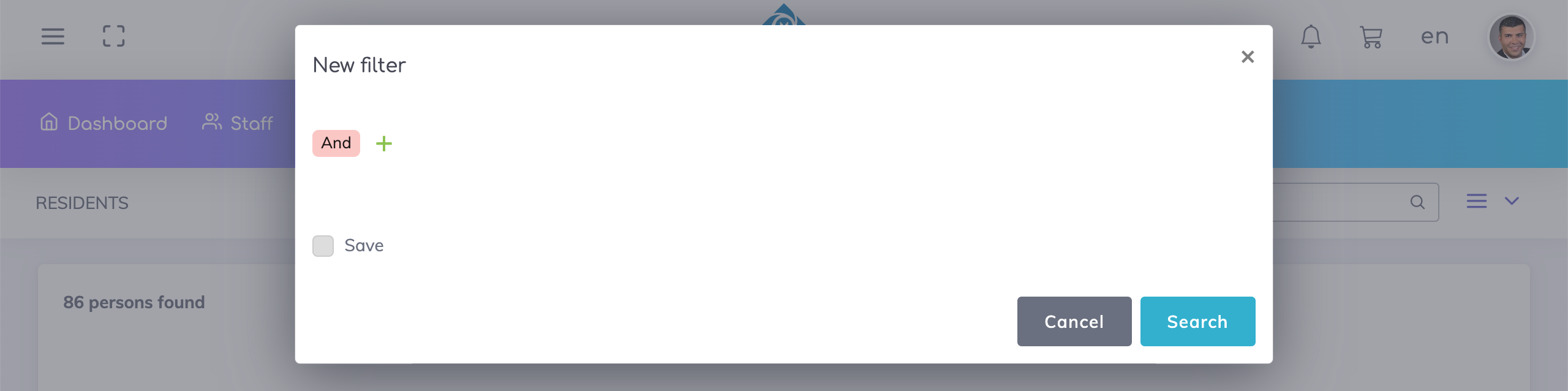
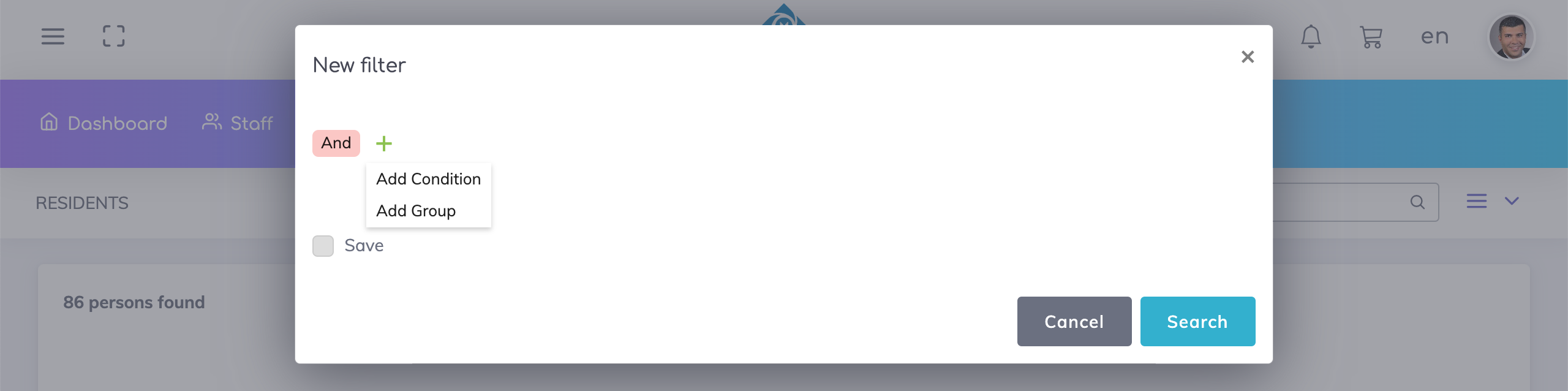
Click on + to add a specific condition or a group of conditions. By default the AND operator is used for combining the conditions to search for relevant records but this can be changed to the OR operator if required.
Add the desired conditions, select the checkbox 'Save', enter a suitable filter name and search.
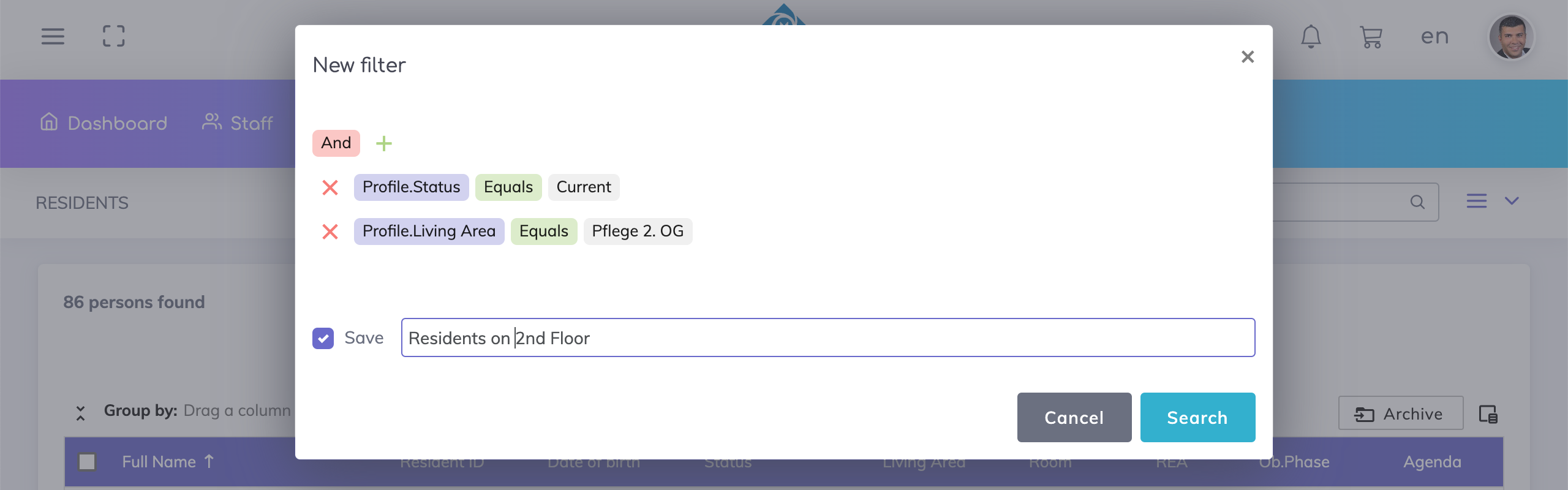
The results are displayed based on your filter criteria.
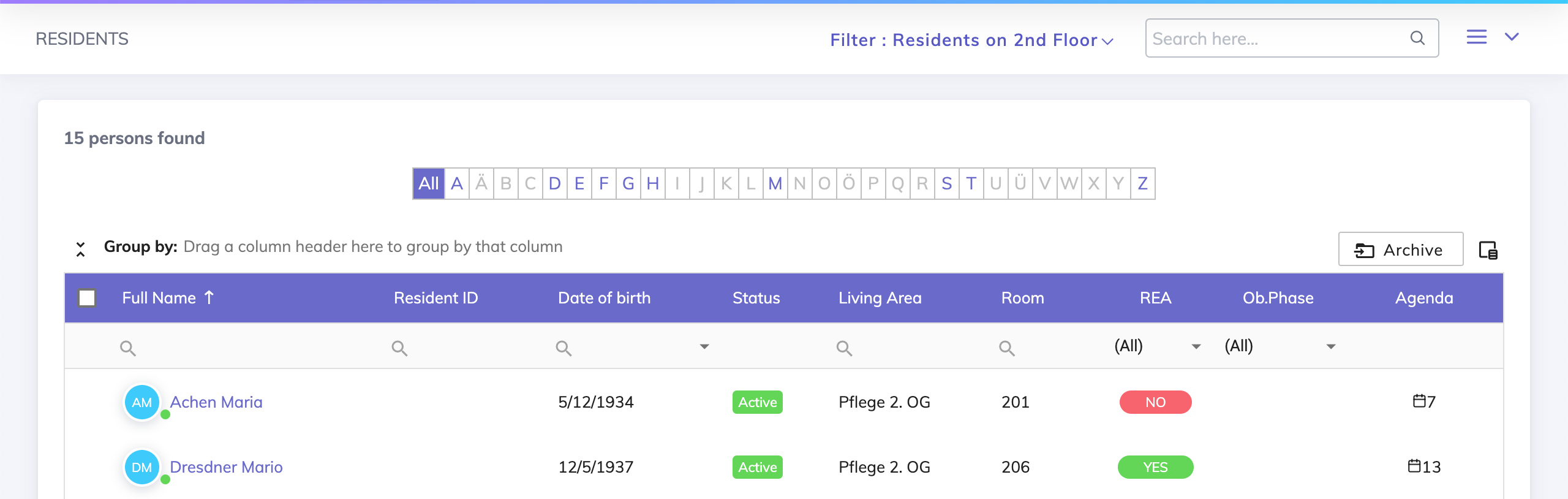
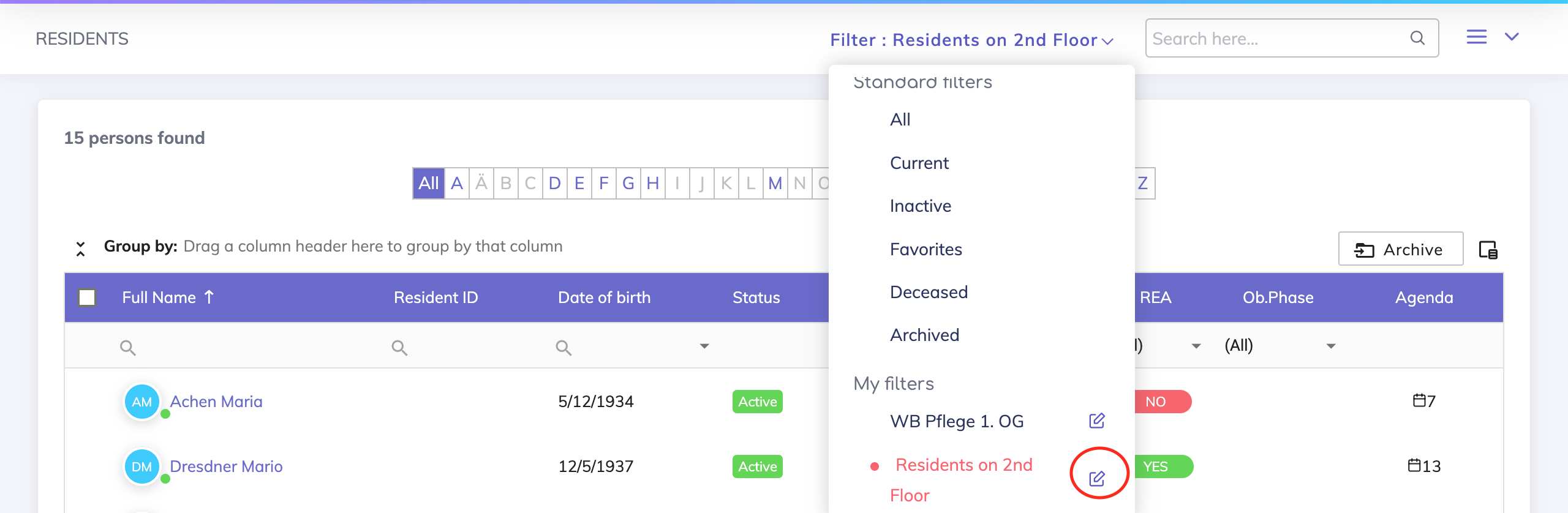
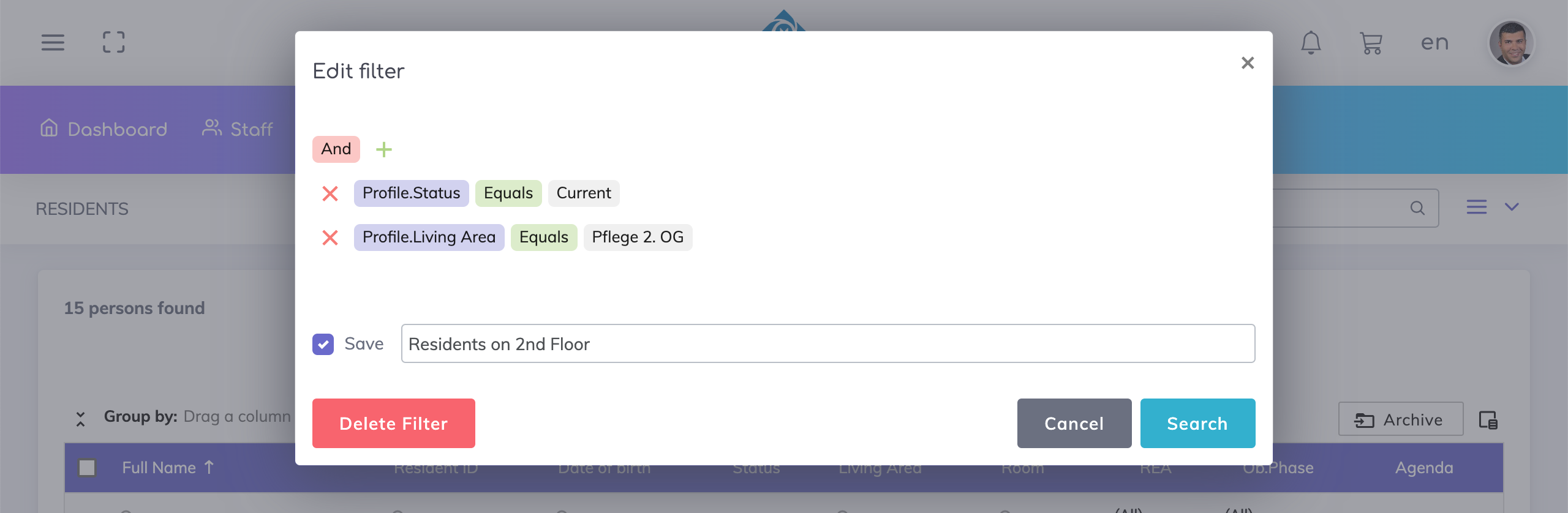
To delete a custom filter, click on the pen icon next to the custom filter name, then on the pop-up press 'Delete Filter'.

We're here to help. Please feel free to contact us.

