Our simple and easy-to-follow guide will help you regain access in no time.
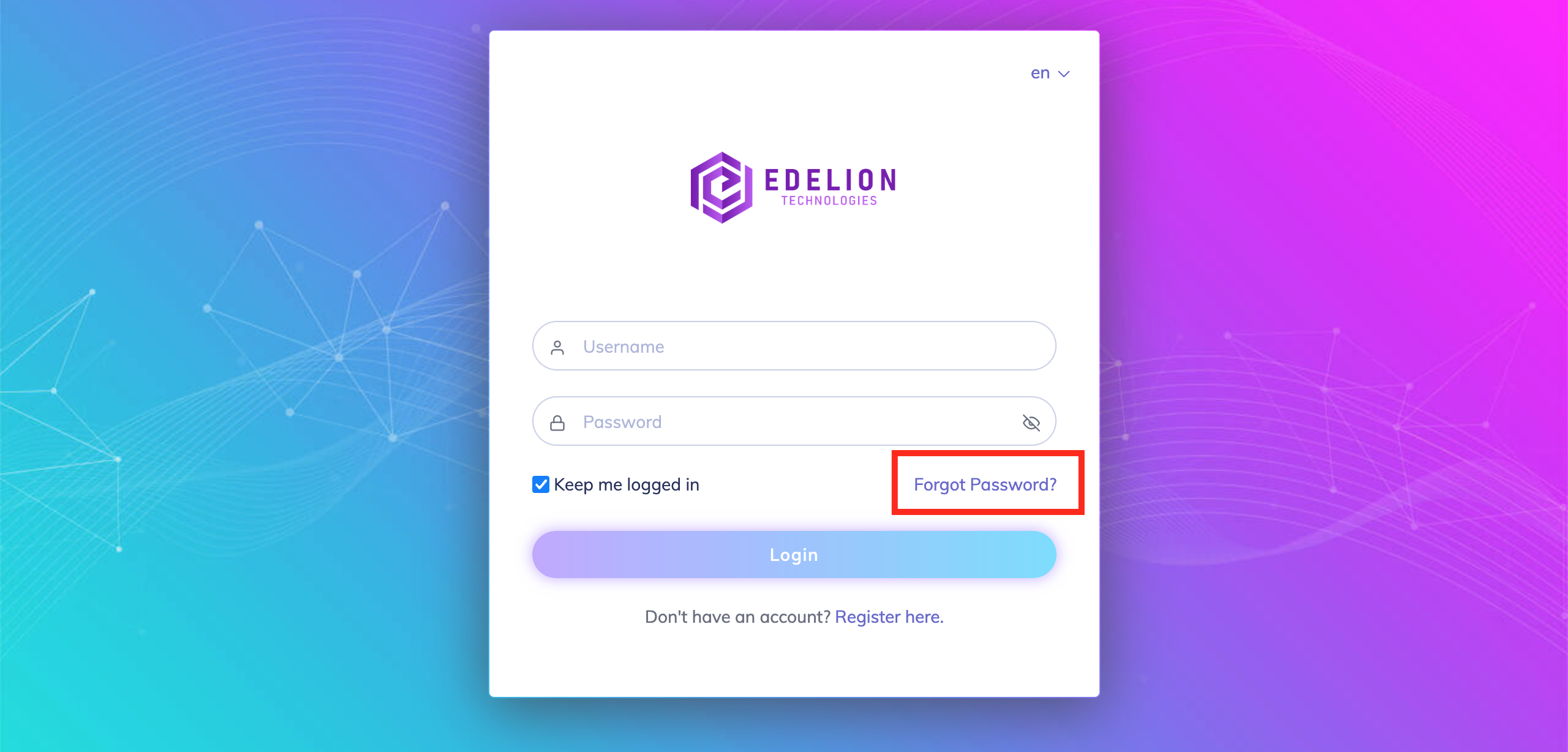
On the Login screen, click on the "Forgot Password?" link as shown in the screenshot.
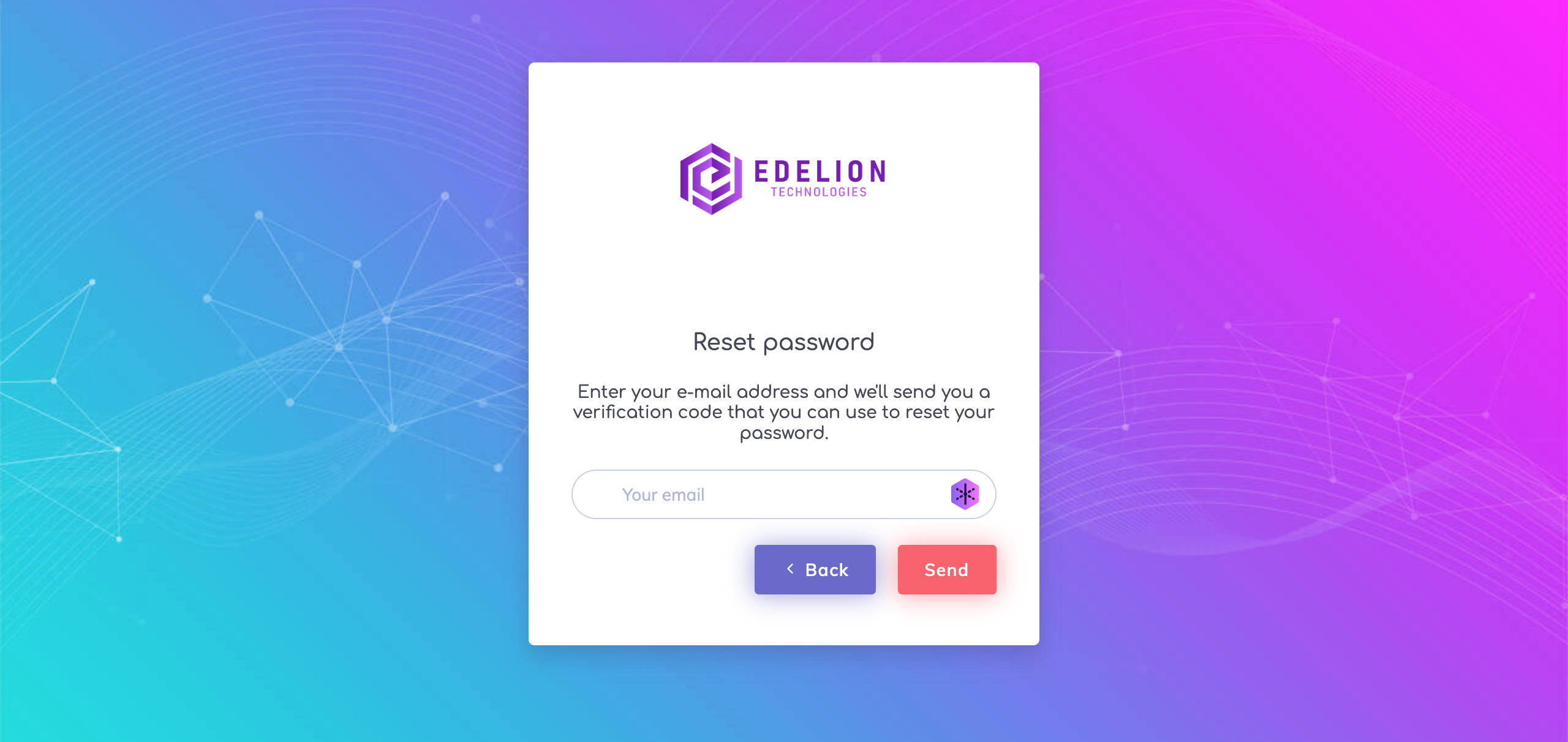
On the next screen, the user's email address should be entered to receive a confirmation code via email.
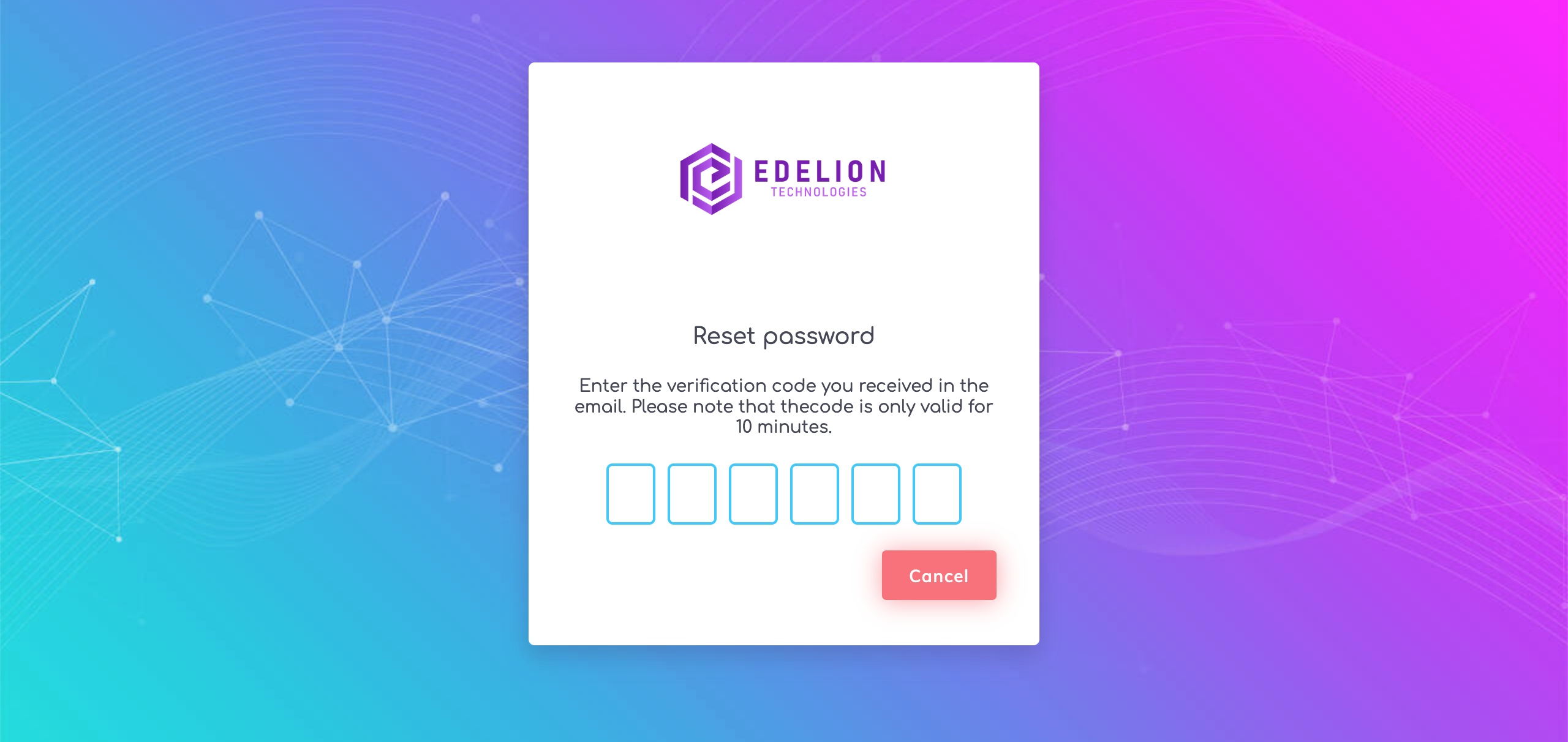
Enter the confirmation code received via email on the next screen.
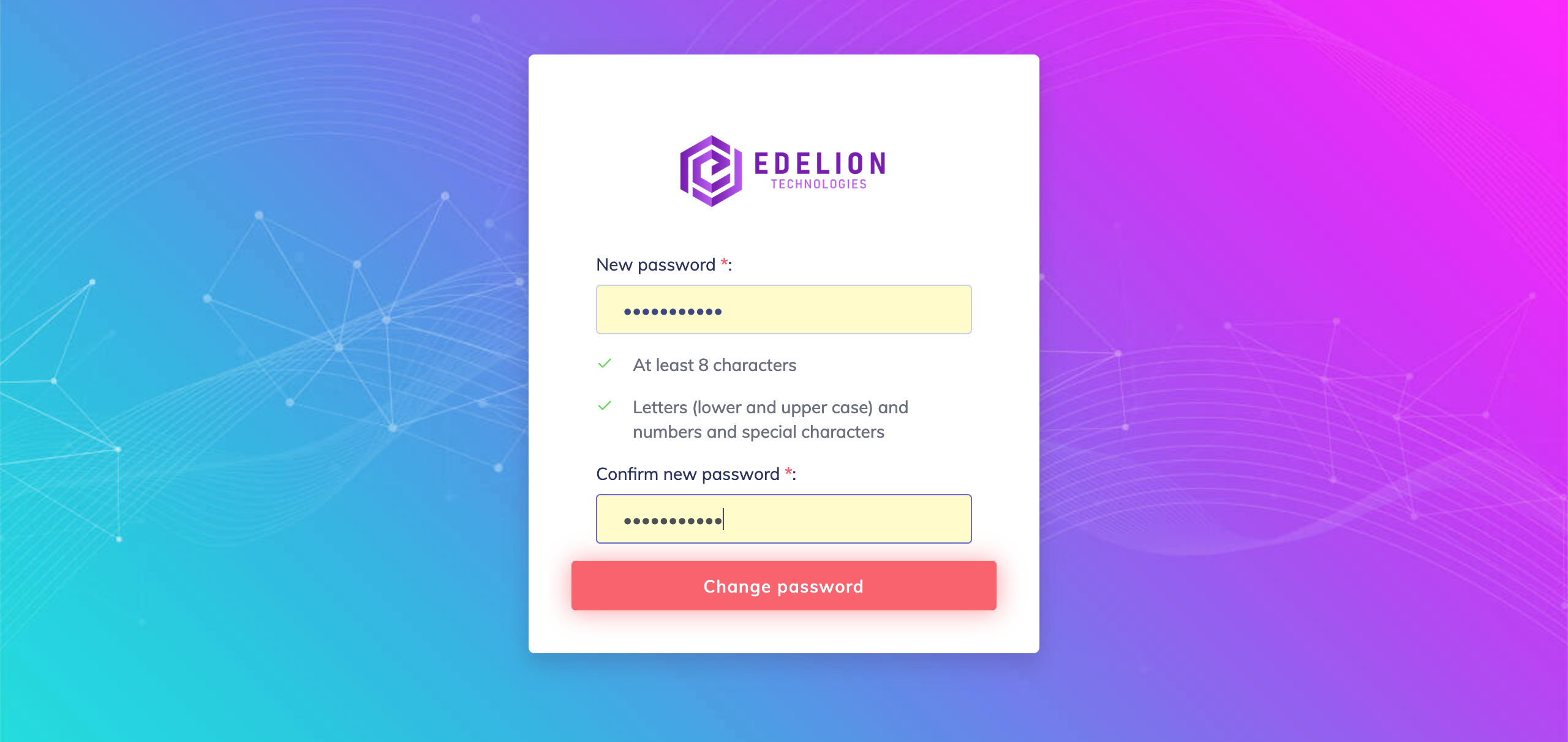
On the next screen, reset the password. The following must be considered for setting a password:
- Password must contain at least 8 characters
- Password must contain letters (lower and upper case), digits and special characters