

The configuration for setting up the VAT can be accessed as follows under the Admin Configurations page:
Configurations > Gastro > Price Settings > Taxes
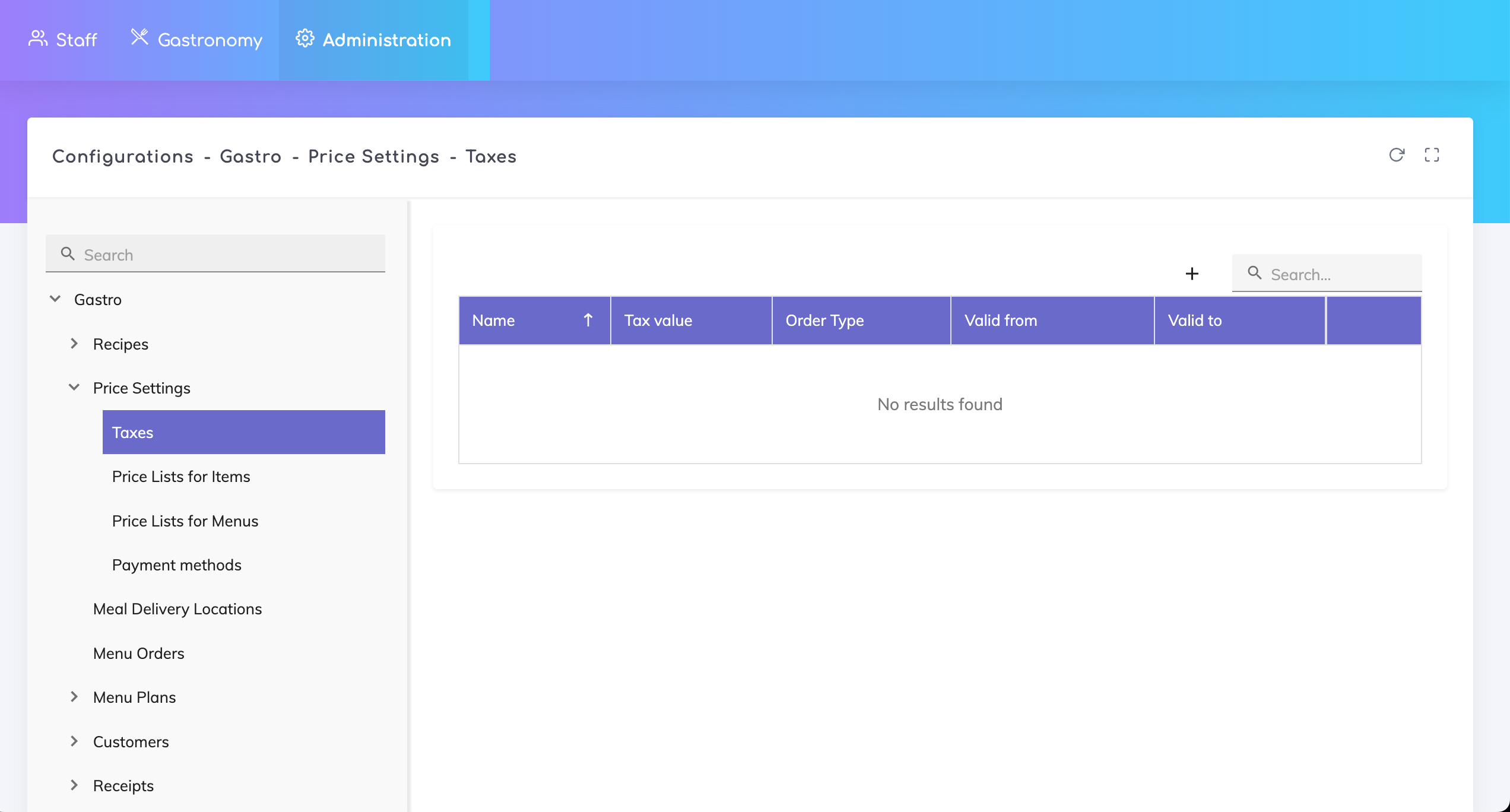
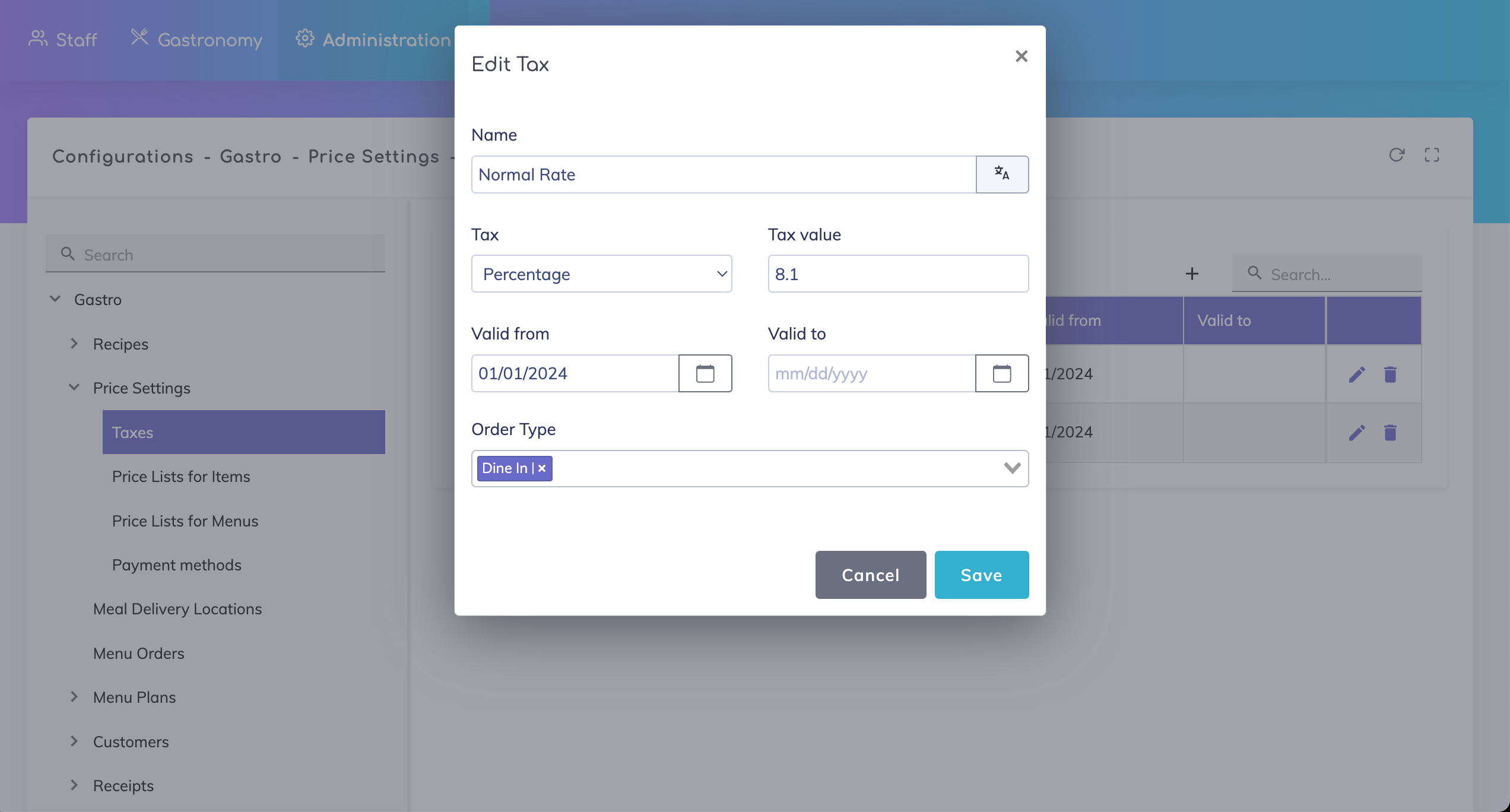
Click on + to add a new tax rate. Specify a name, the tax percentage, validity for this tax percentage and the order types for which this tax is applicable.
Tax Validity Period:
For current rates, it is not mandatory to enter a valid-to date. In case VAT rates change, then it is possible to specify a valid-to date for the old rate, and enter a new rate with a new validity.
For example, in Switzerland, as of 1st January 2024 the normal rate changed from 7.7% to 8.1%. In this scenario, you can define two rates with different validities.
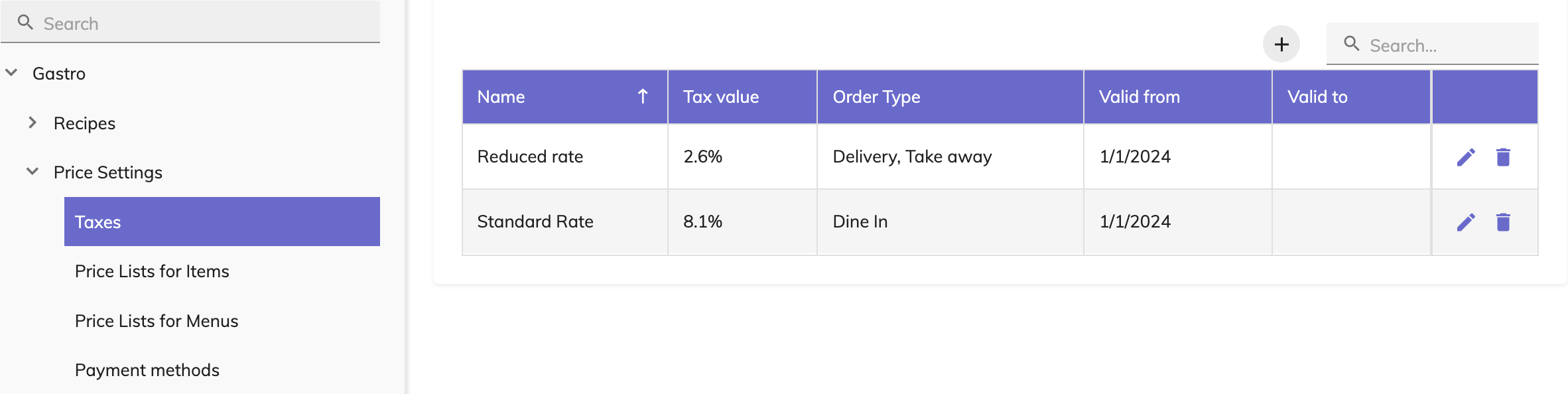
From 1 January 2024, the following current VAT rates apply in Switzerland:
Normal rate: 8.1% - applicable when dining in.
Reduced rate: 2.6% - applicable for food deliveries and take outs.
Still got questions?
We are happy to help. Please feel free to contact us.