

Introduction
All menu items have defined prices. A menu item could have multiple prices for different customer groups. For example, an item may be free for a resident as its inclusive in the monthly boarding rate but for an external guest, this item would be chargeable. Hence different price lists are required for different customer groups.
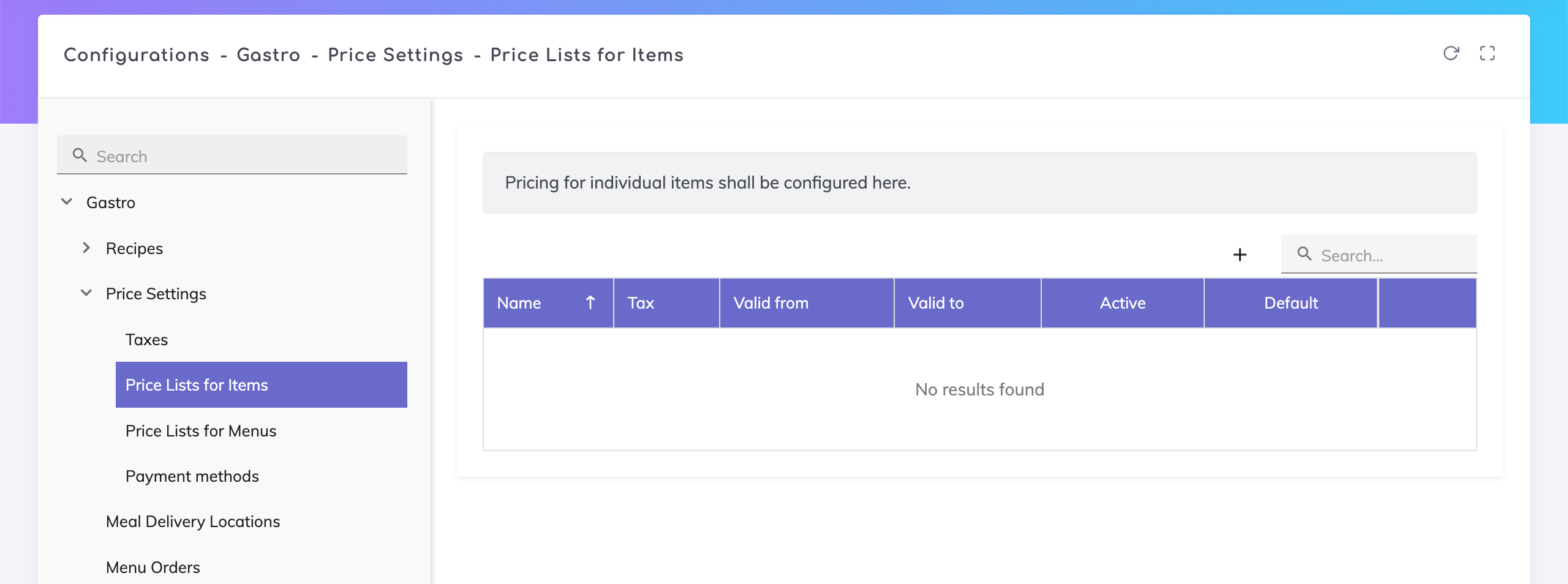
Price lists for menu items can be accessed under the Admin Configurations page:
Configurations > Gastro > Price Settings > Price Lists for Items
Click on the + icon on the overview table to create a new price list.
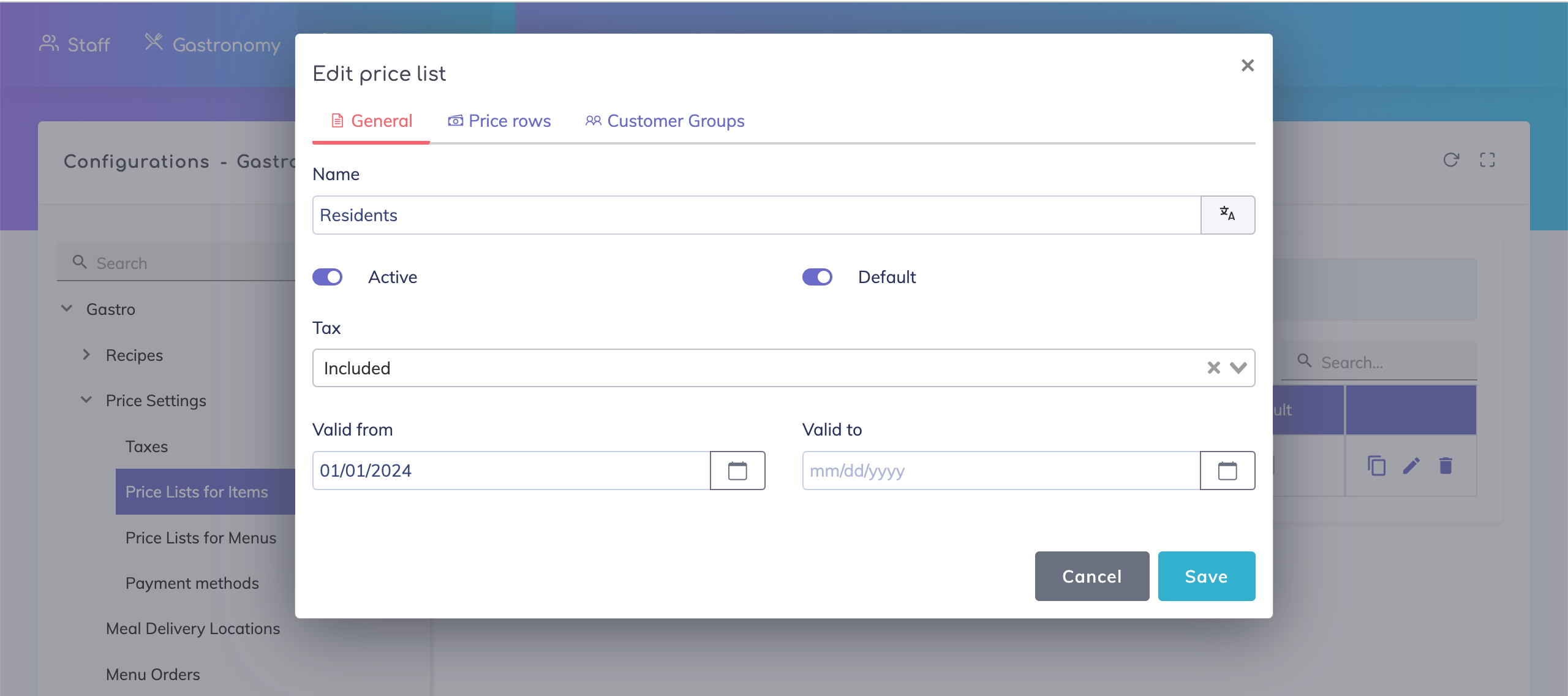
Price List - General Data
Specify a price list name, whether the VAT is included/excluded from the price, the validity period for this price list, whether this list is currently active and if this is the default price list where prices for new items are to be added.
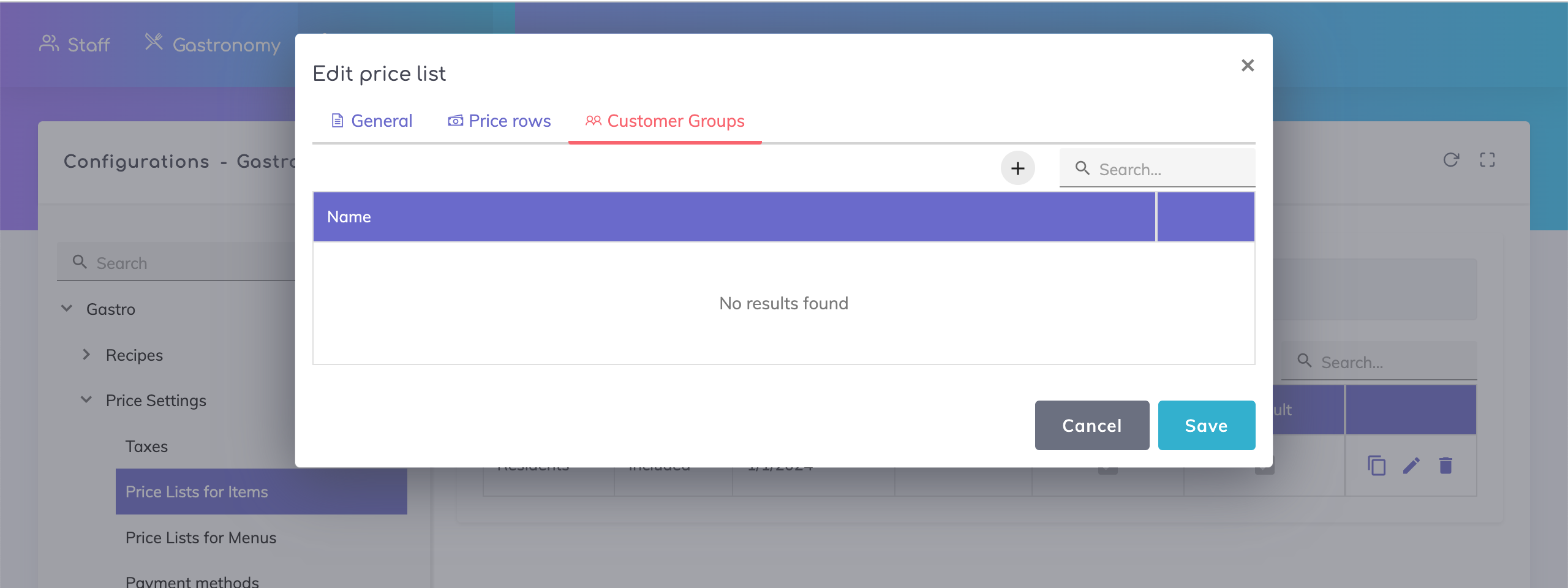
Price List - Customer Groups
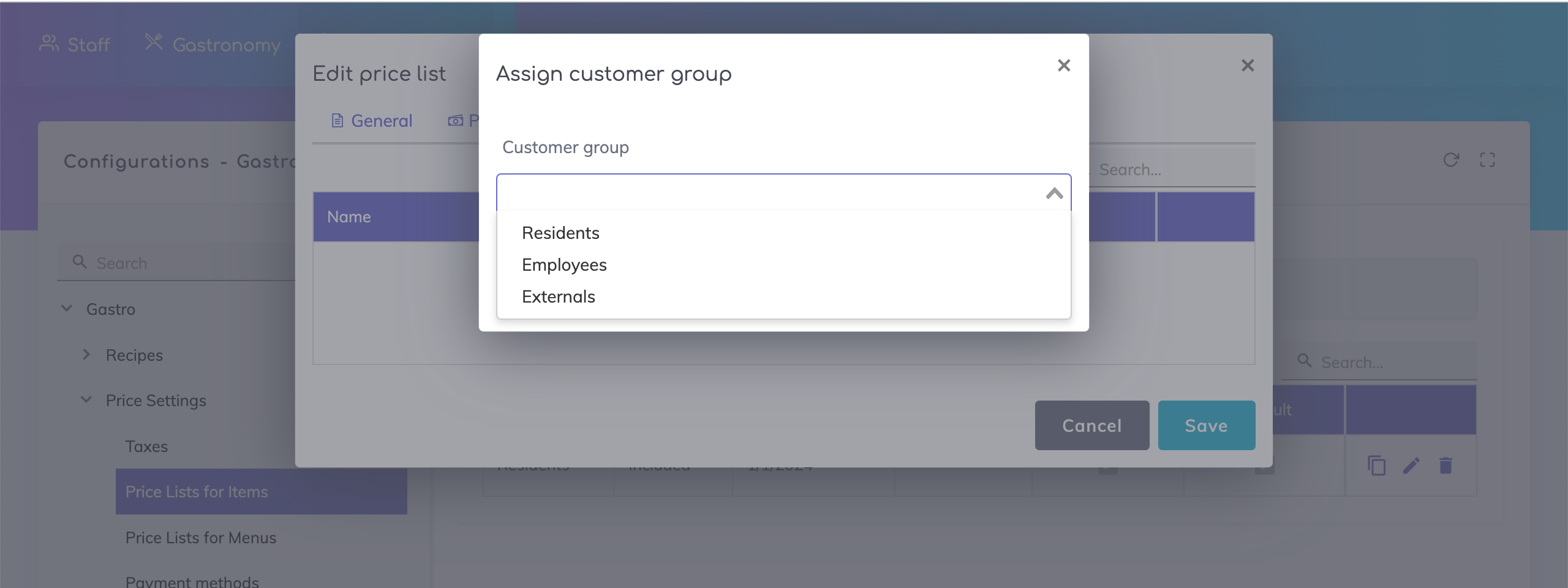
In this section, assign the customer groups for which these prices would be applicable.
Price List - Price Rows
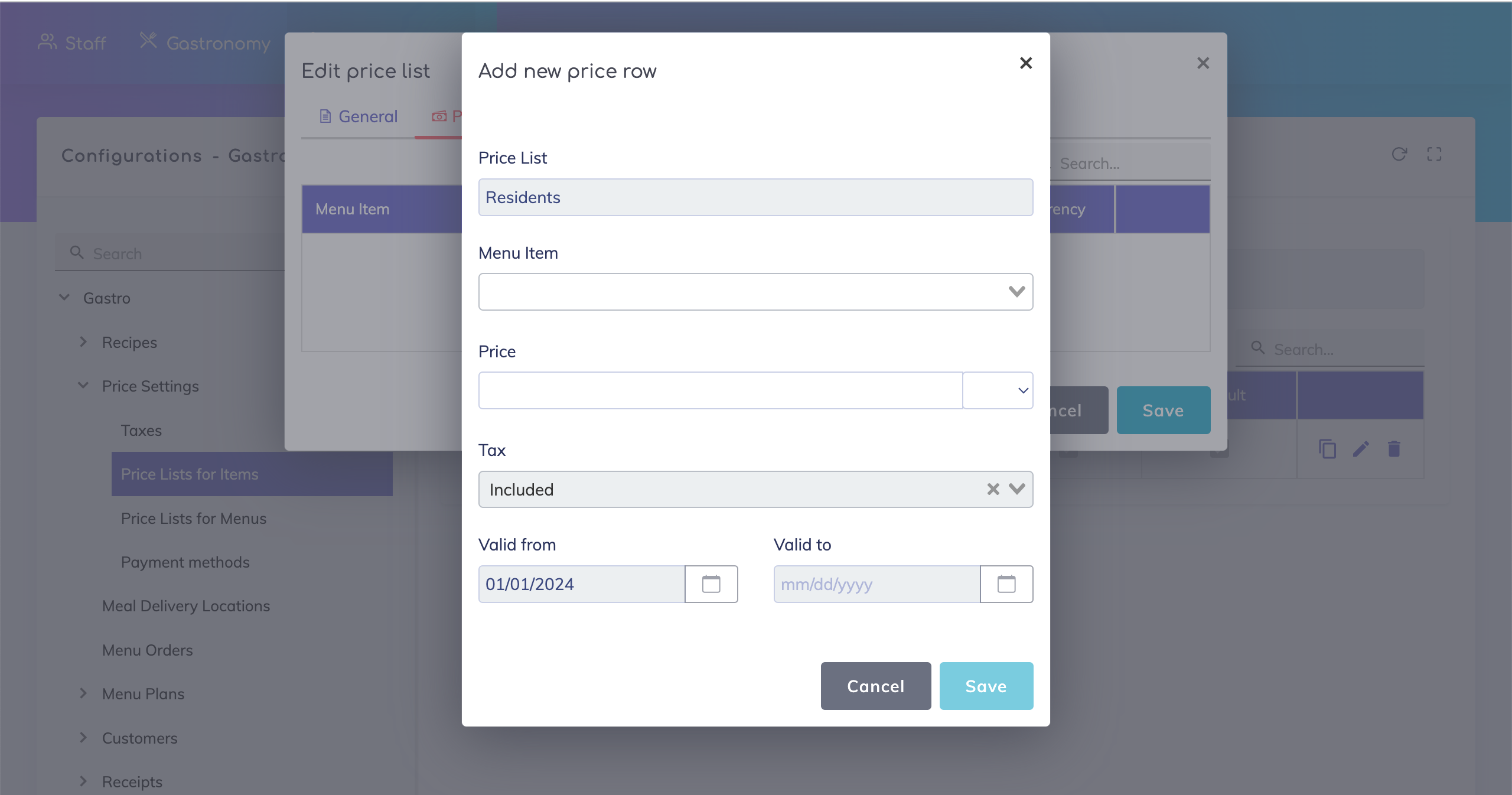
In this section, you can select the menu items that are to be included in this list and specify a price and currency. Alternatively the price list assignment to menu items can be done when creating the menu items.
Still got questions?
We are happy to help. Please feel free to contact us.