May 28, 2023
We are excited to share the most recently added features with you!
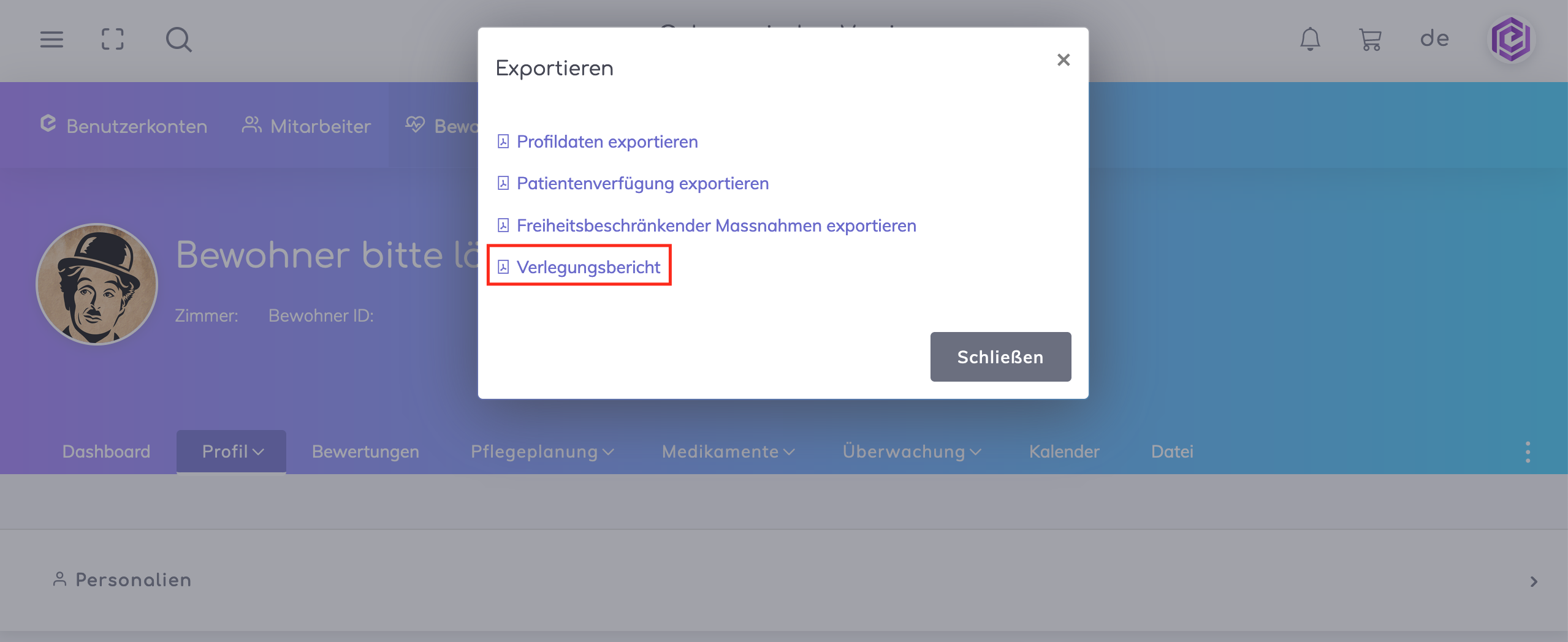
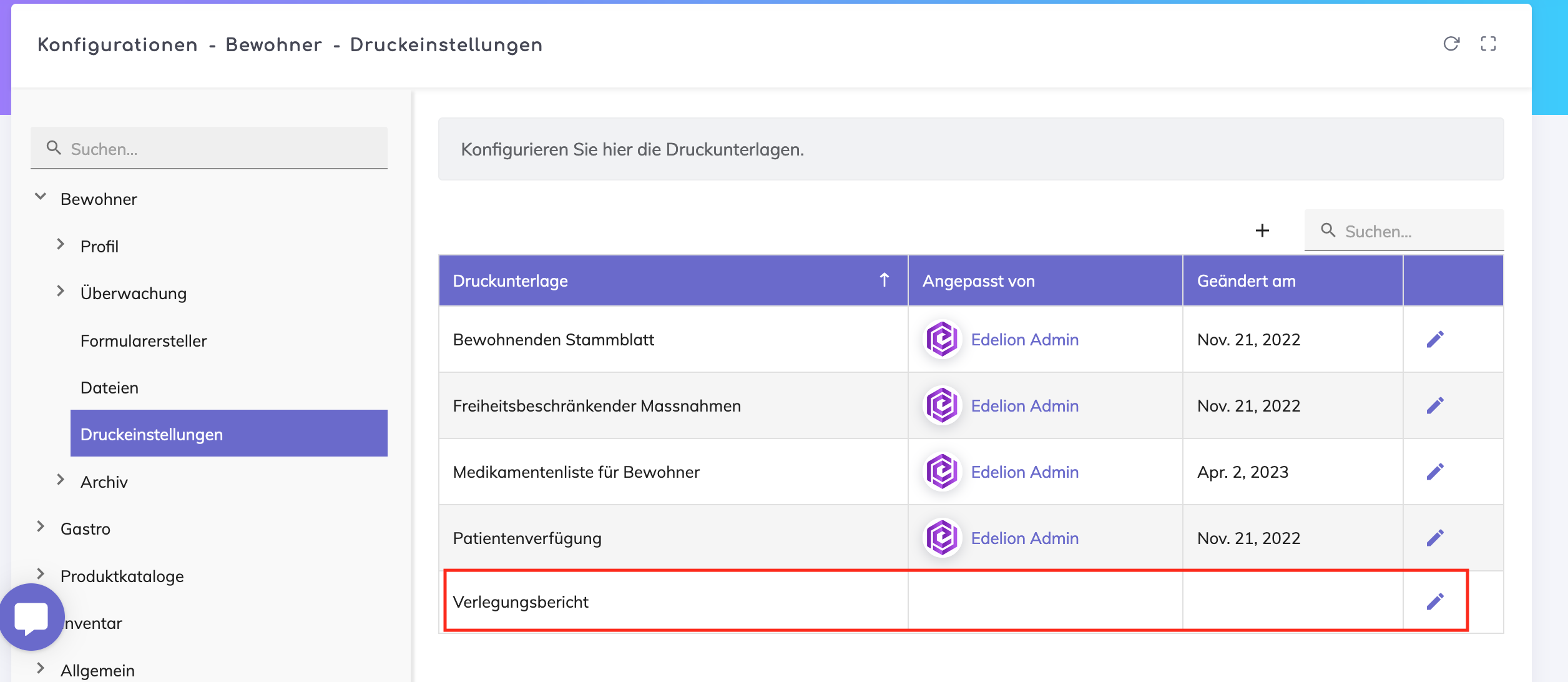
This report can be printed and configured as shown below:
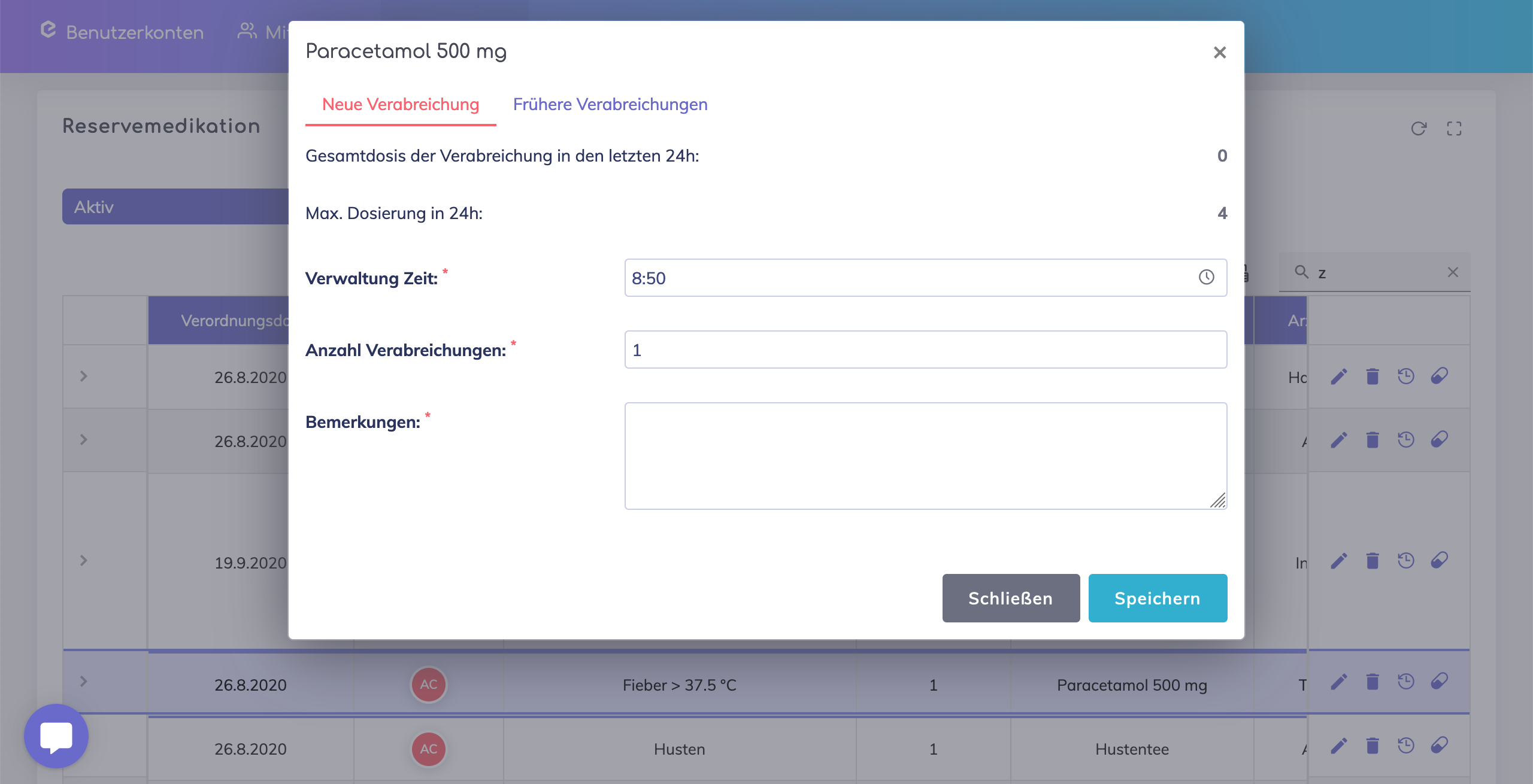
It is now possible to provide your comments in the "Remarks" field when administering a reserve medication. In the next release, these remarks will also be automatically included in the care report.
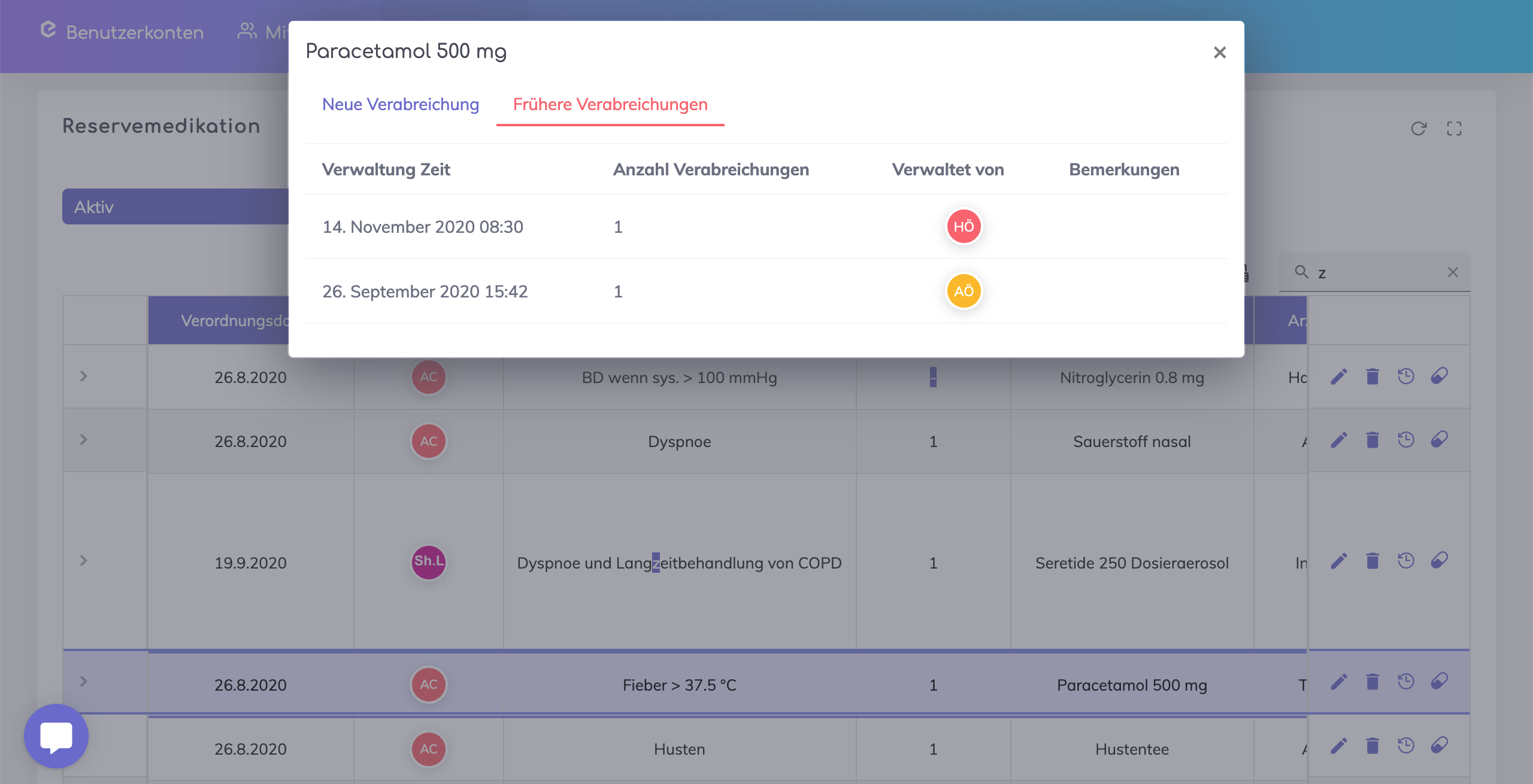
It is also possible to view all previous administrations of this medication along with the corresponding remarks.
It is possible that a doctor prescribed a medication during the resident's hospital stay, and it is absolutely necessary that the name of this doctor is correctly documented in the system. For this purpose, users now have the option to add new doctors who may not currently be available in the dropdown list of the 'Doctor' field.
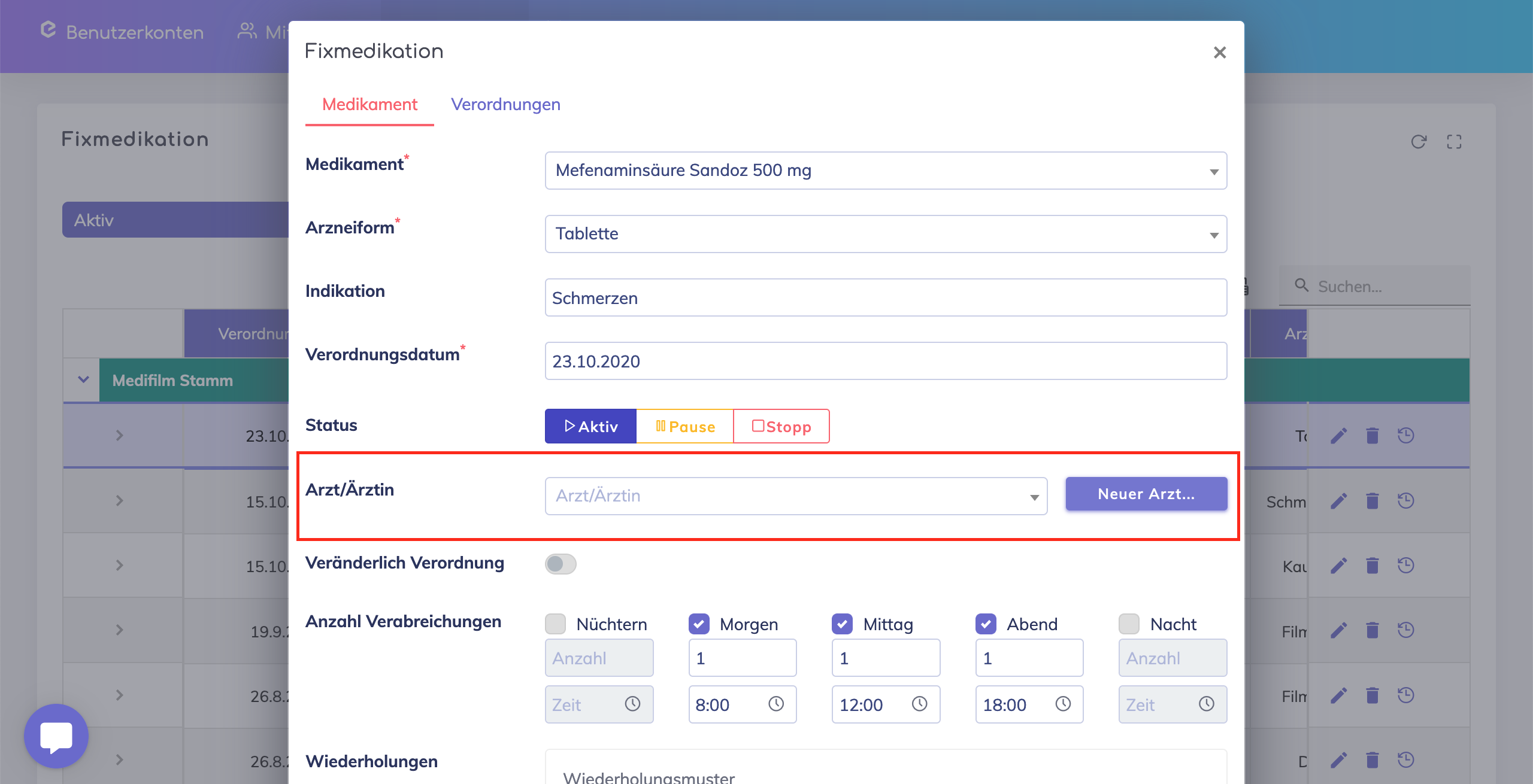
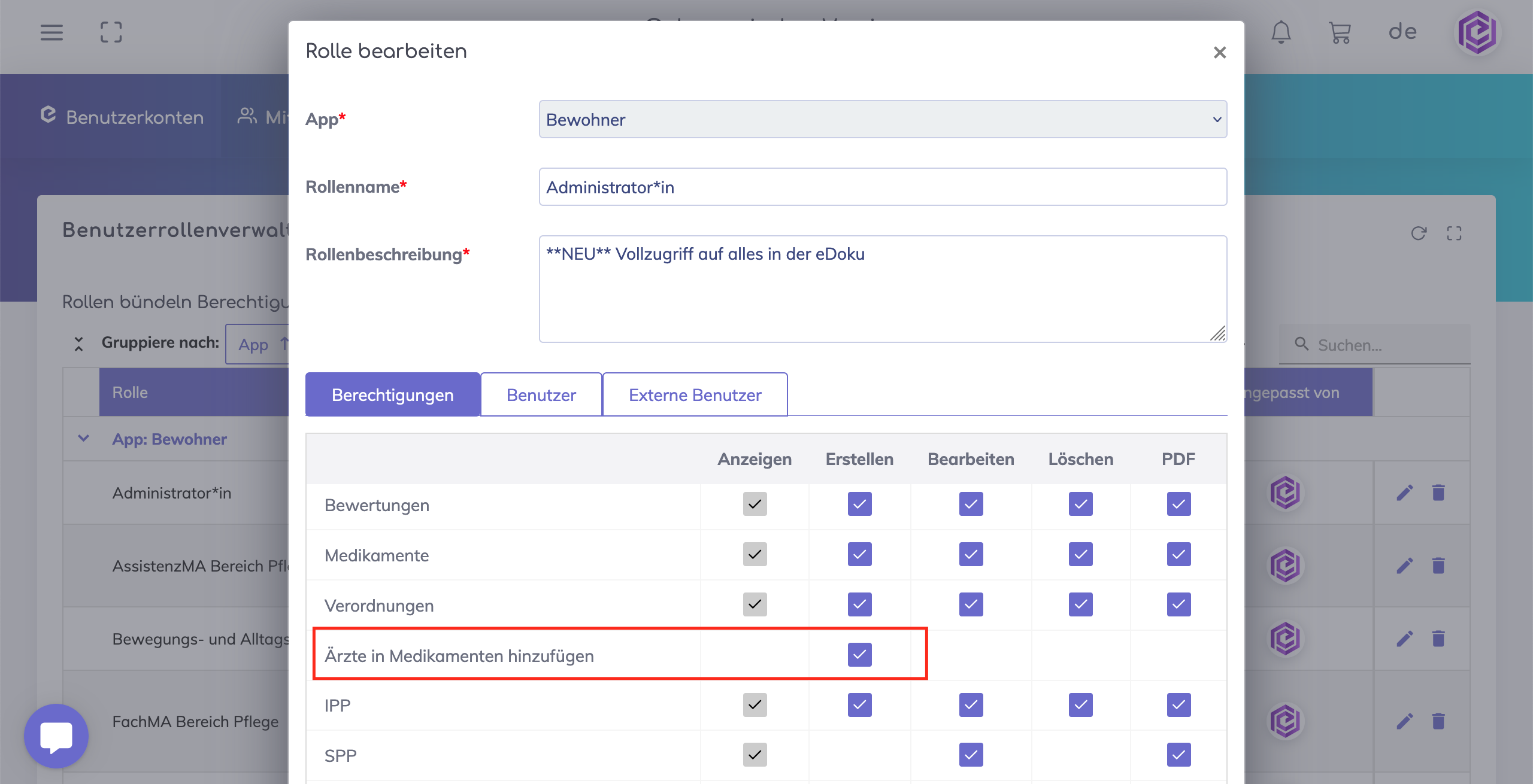
This button to add new doctors is only visible to users who have the required permission listed below.
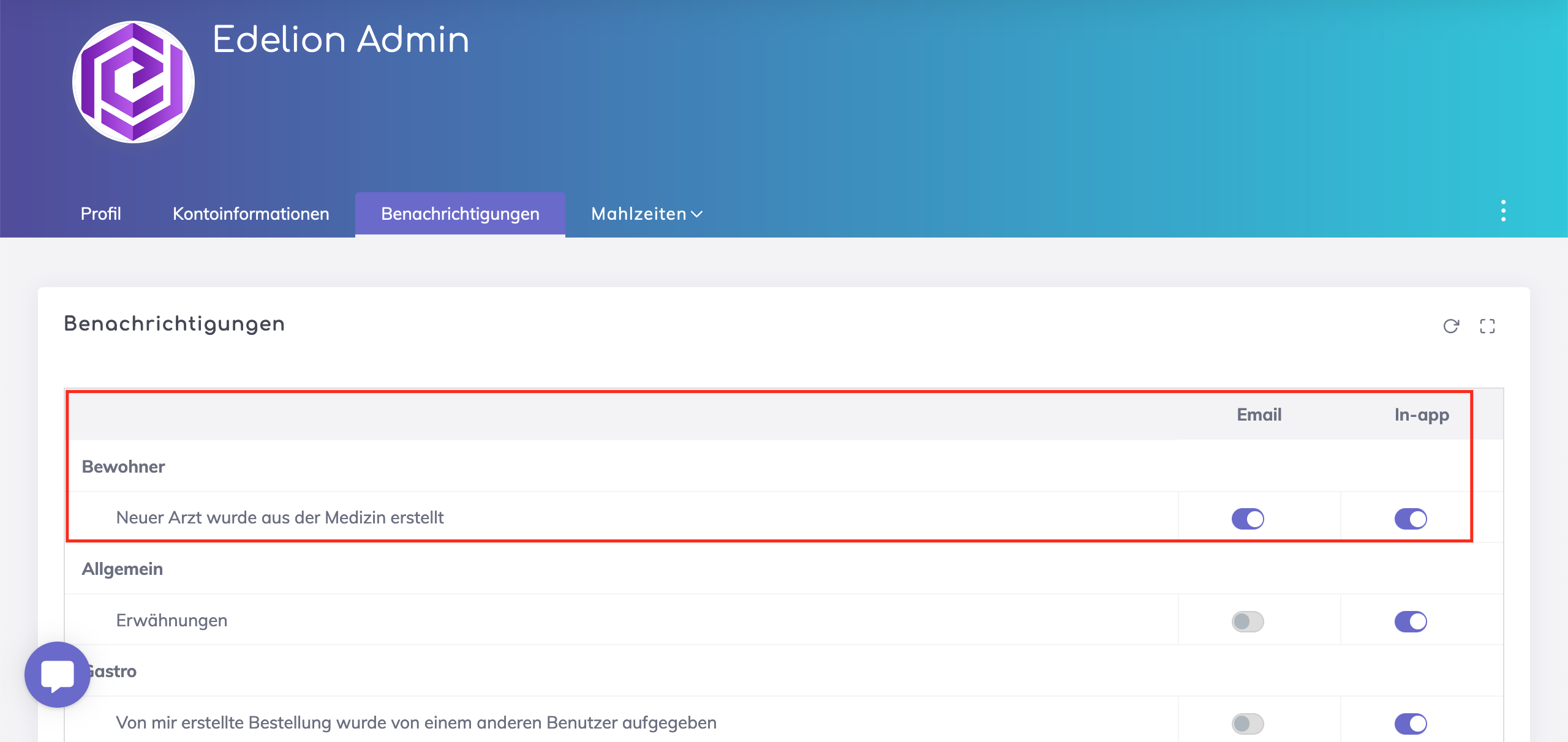
Users with configuration permissions receive a notification about newly added doctors either via email or through an in-app notification. It is also possible for users to disable these notifications at their own discretion.
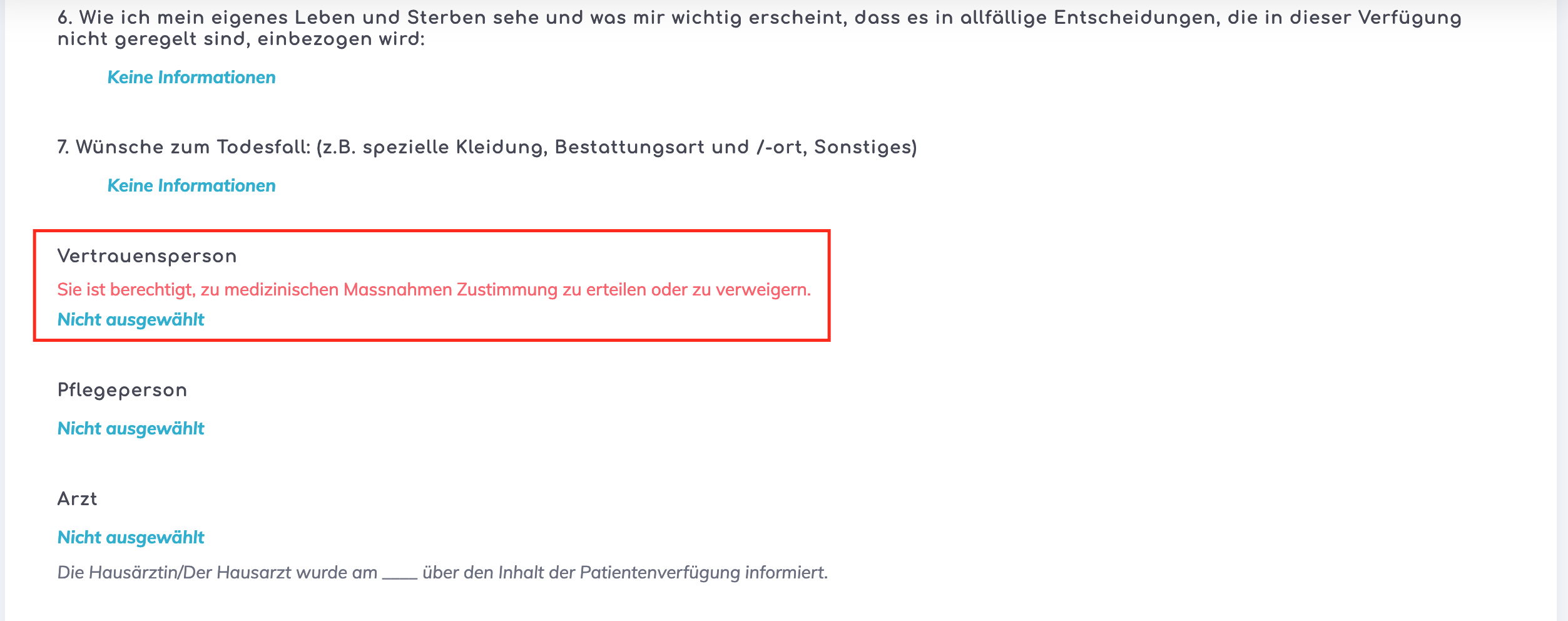
Previously, it was only possible to designate one contact person as the authorized representative of the resident. Now, it is possible to specify exactly whether the contact person is an authorized representative for medical matters, administrative matters, or all matters.

In the advance directive, the section for “Authorized Representatives” is now replaced with “Trusted Persons.”
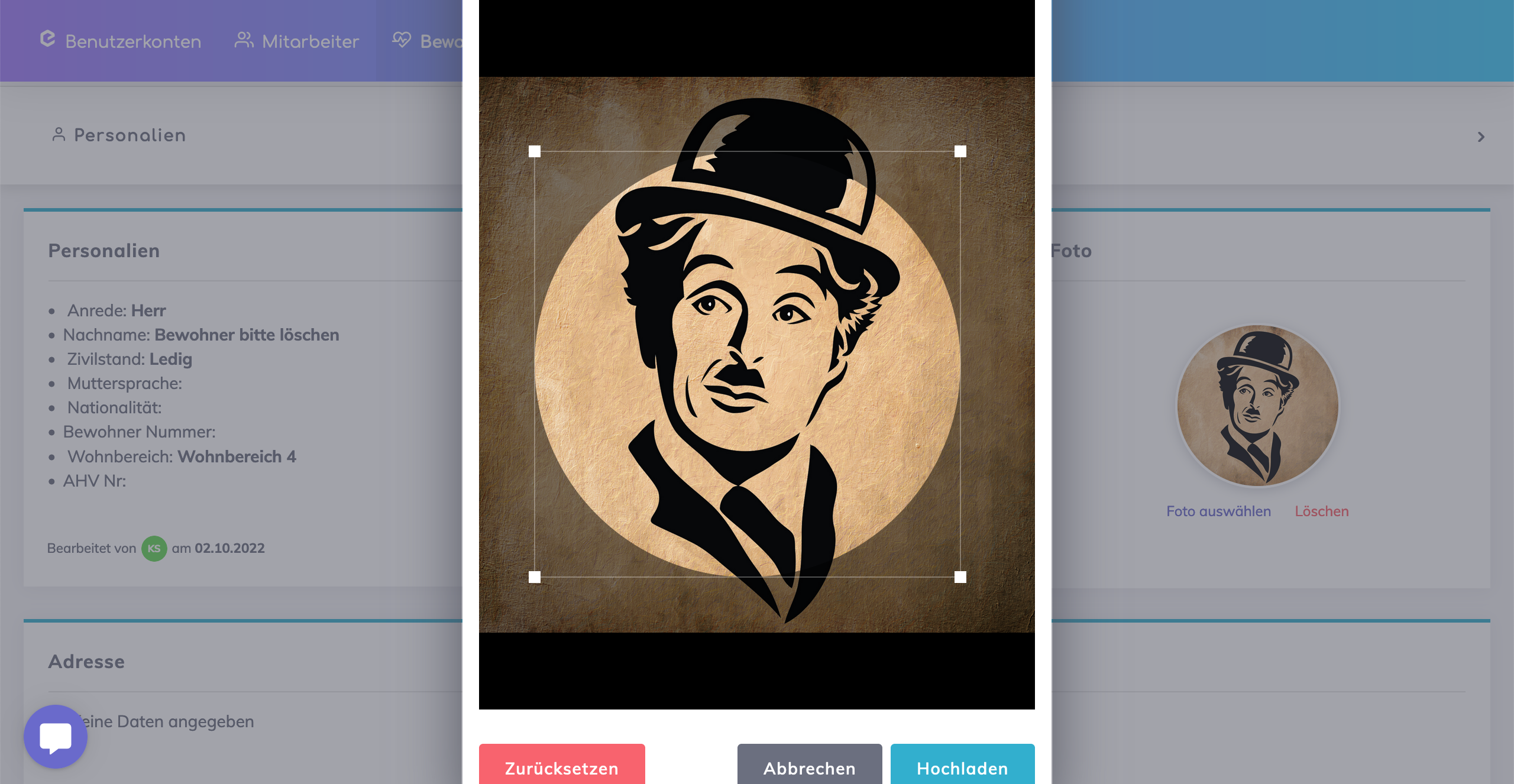
When uploading a profile picture, users now have the option to crop the displayed part of the image specifically.
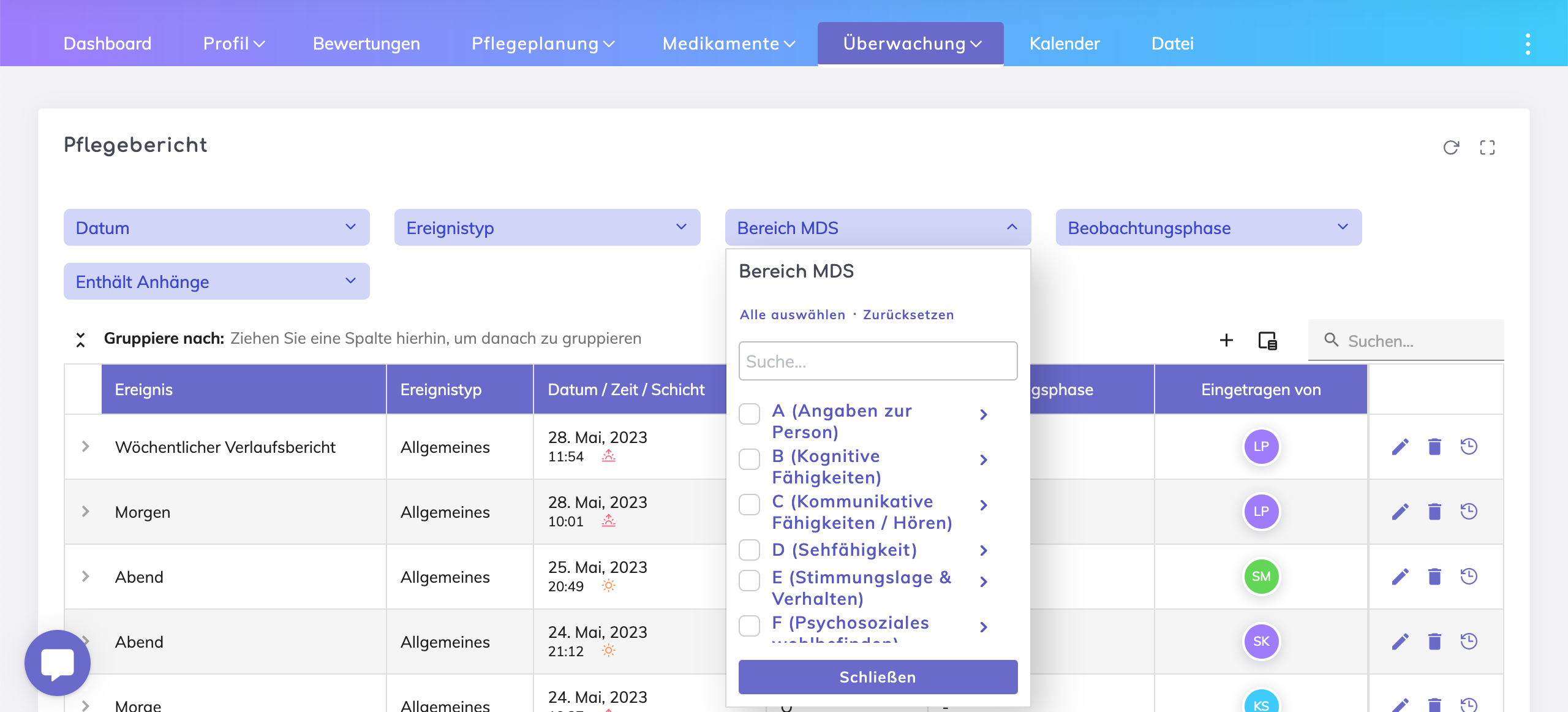
Until now, the search function for this filter field was exclusively limited to the MDS value such as D1, D2, etc. However, it is now possible to perform a search based on the MDS value description, e.g., "Seeing."
Additionally, the MDS values are hierarchically organized, making it easier to locate and filter relevant values from the care reports.
Furthermore, you can also filter care reports that do not contain a filled MDS value by navigating to the bottom of the filter and selecting the option "No Information."
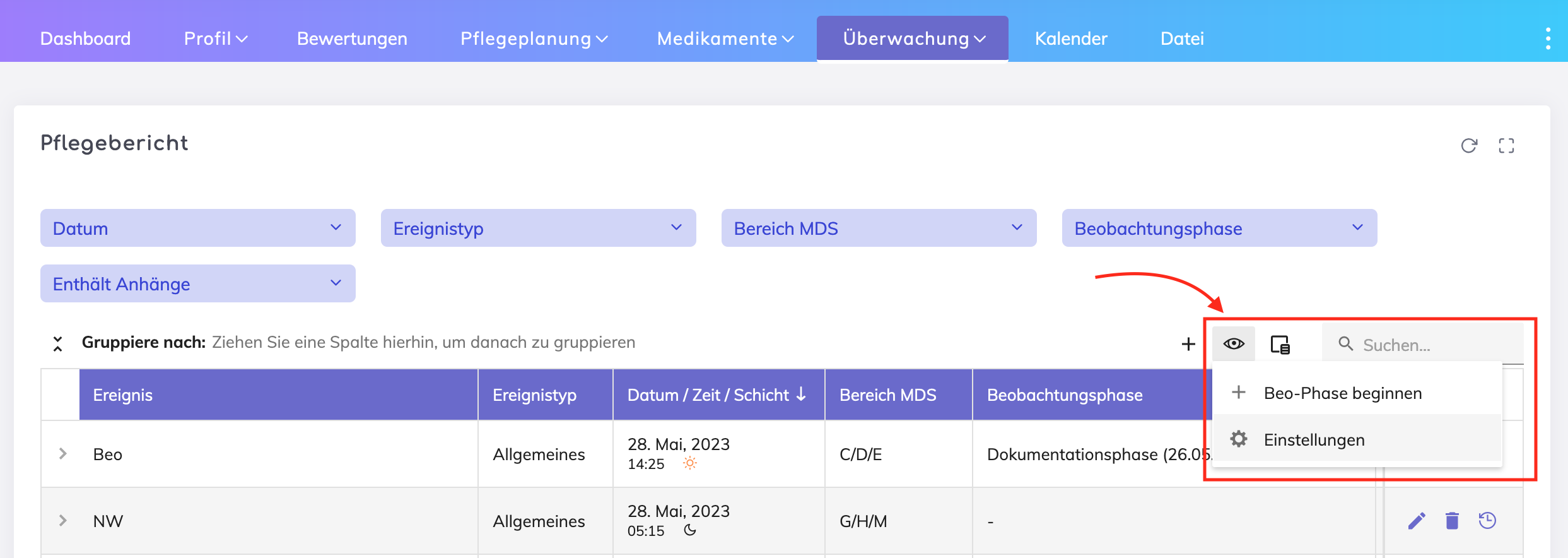
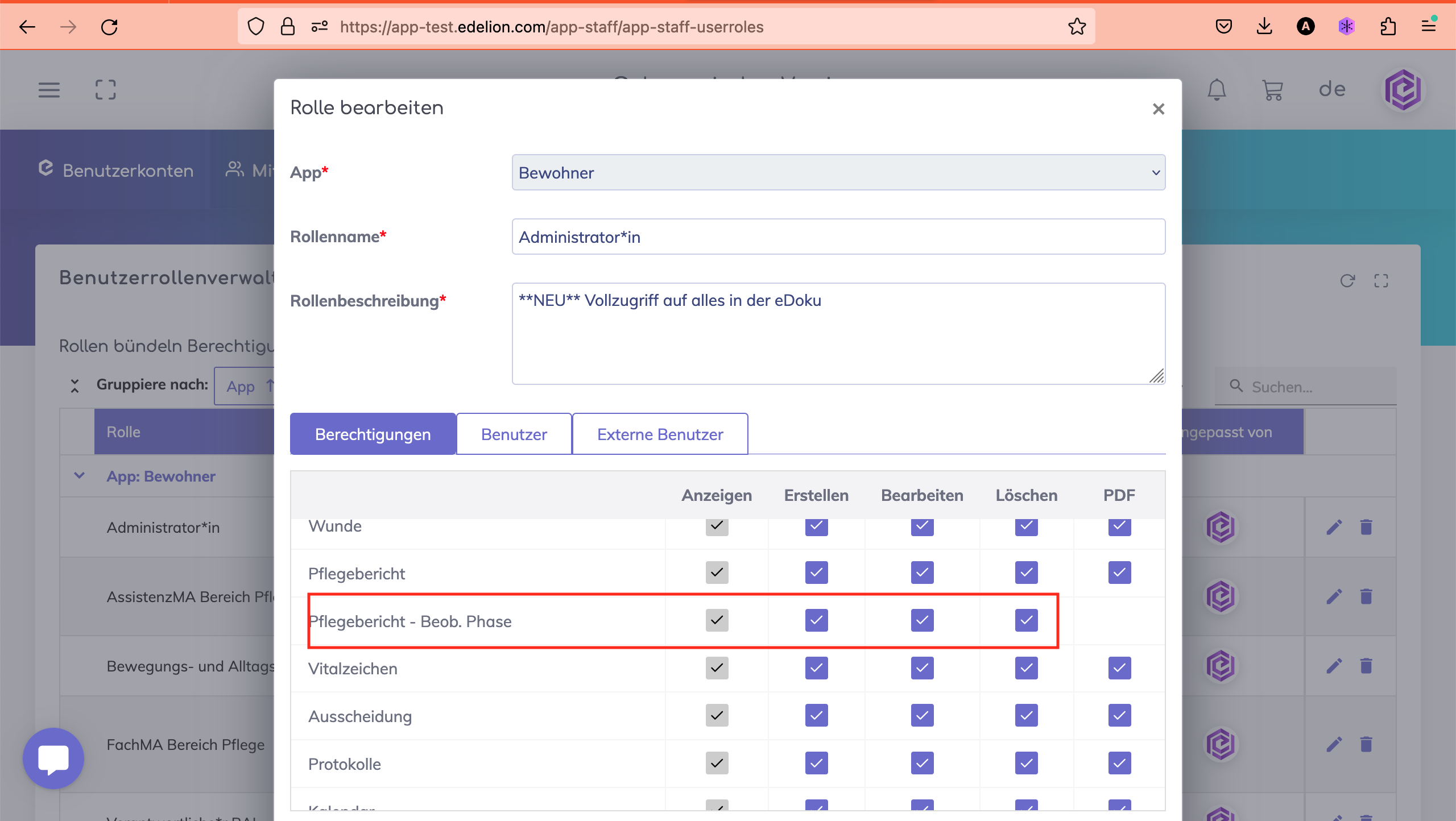
The management of user actions during observation phases is now governed by permissions assigned to user roles.
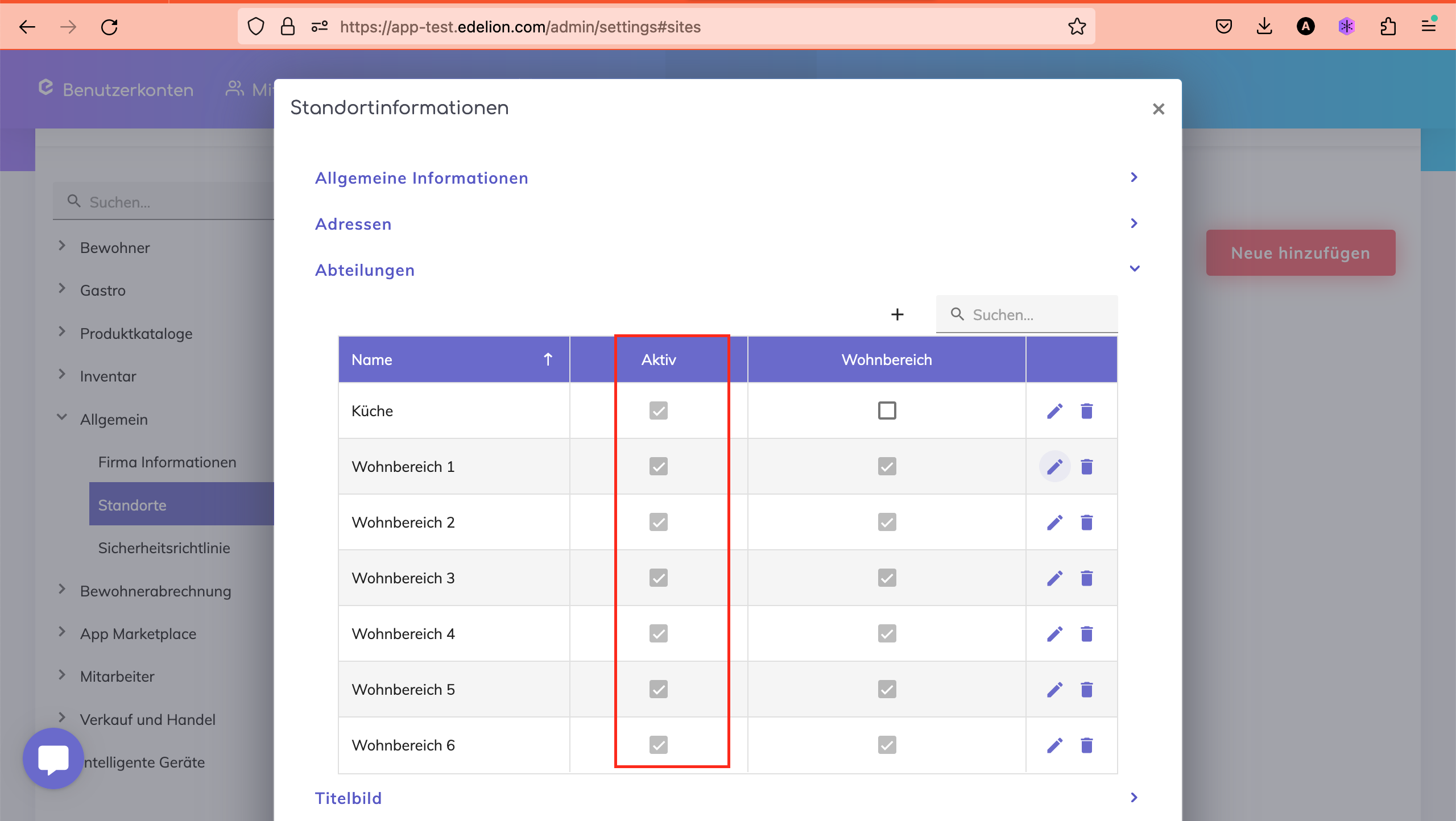
Deactivating departments is now possible. Deactivated departments will not be available in the resident profile and employee profile sections.
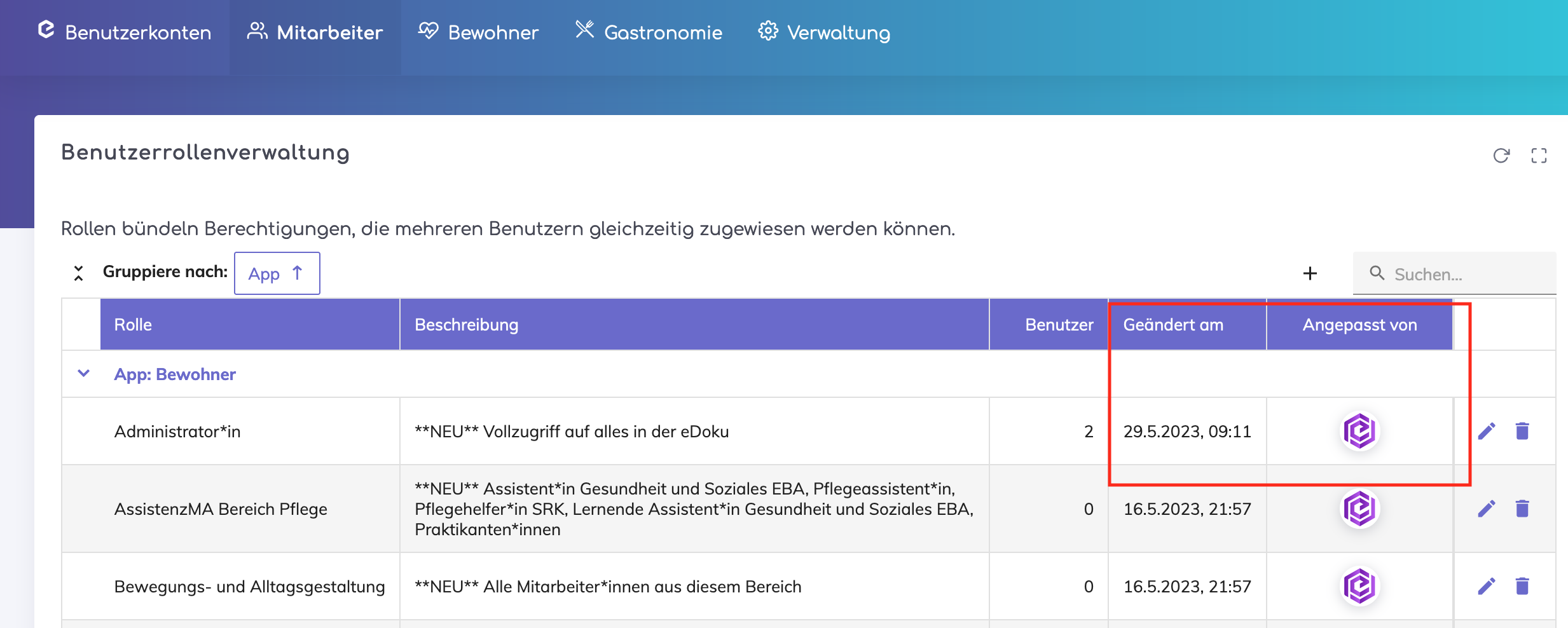
Minor UI improvements and addition of last updated on/by information for each role.
Resident profile – It is now possible to delete phone numbers of contacts, doctors, insurance companies, and invoice recipients.
SPP – Section J – Added German translations
We are happy to assist you. Please do not hesitate to contact us.

