Once the careINDEX integration is activated, a new page “HCI careINDEX” appears under the Medications section as shown.
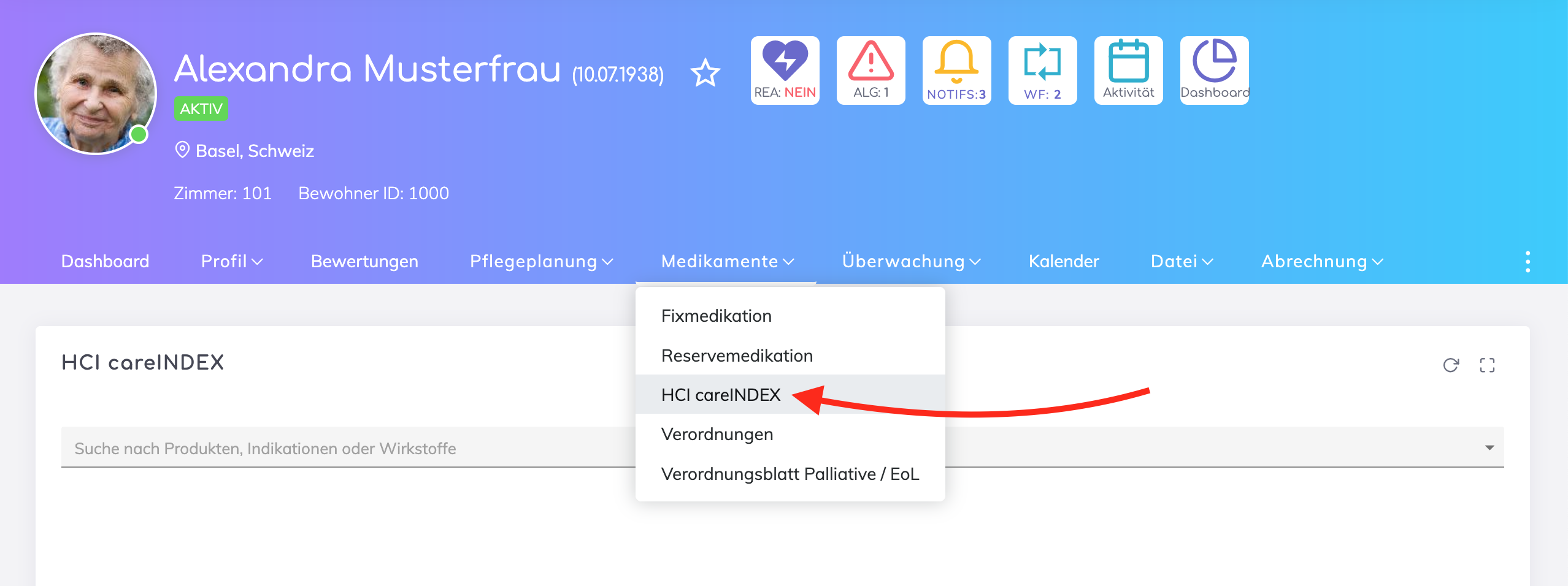
Search for medications by name, indications or substances.

From the search results, it is possible to:
view and add medications to your organisation’s house list; indicated by the green button as shown above
add medications to the resident’s fixed or reserve medications list
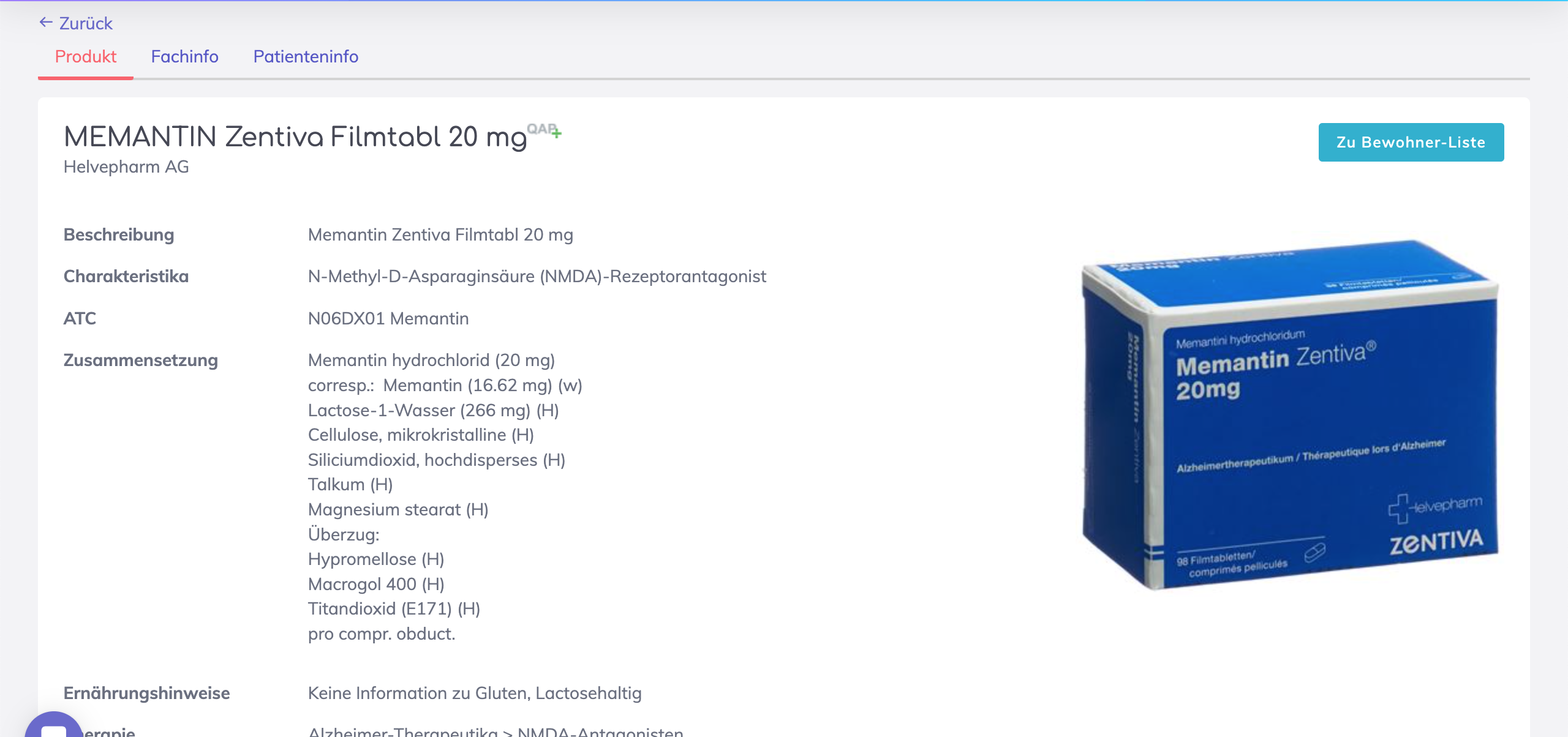
Click on the medication name to view detailed information. Add it to the resident’s medications by clicking on the button “To Resident’s List”.
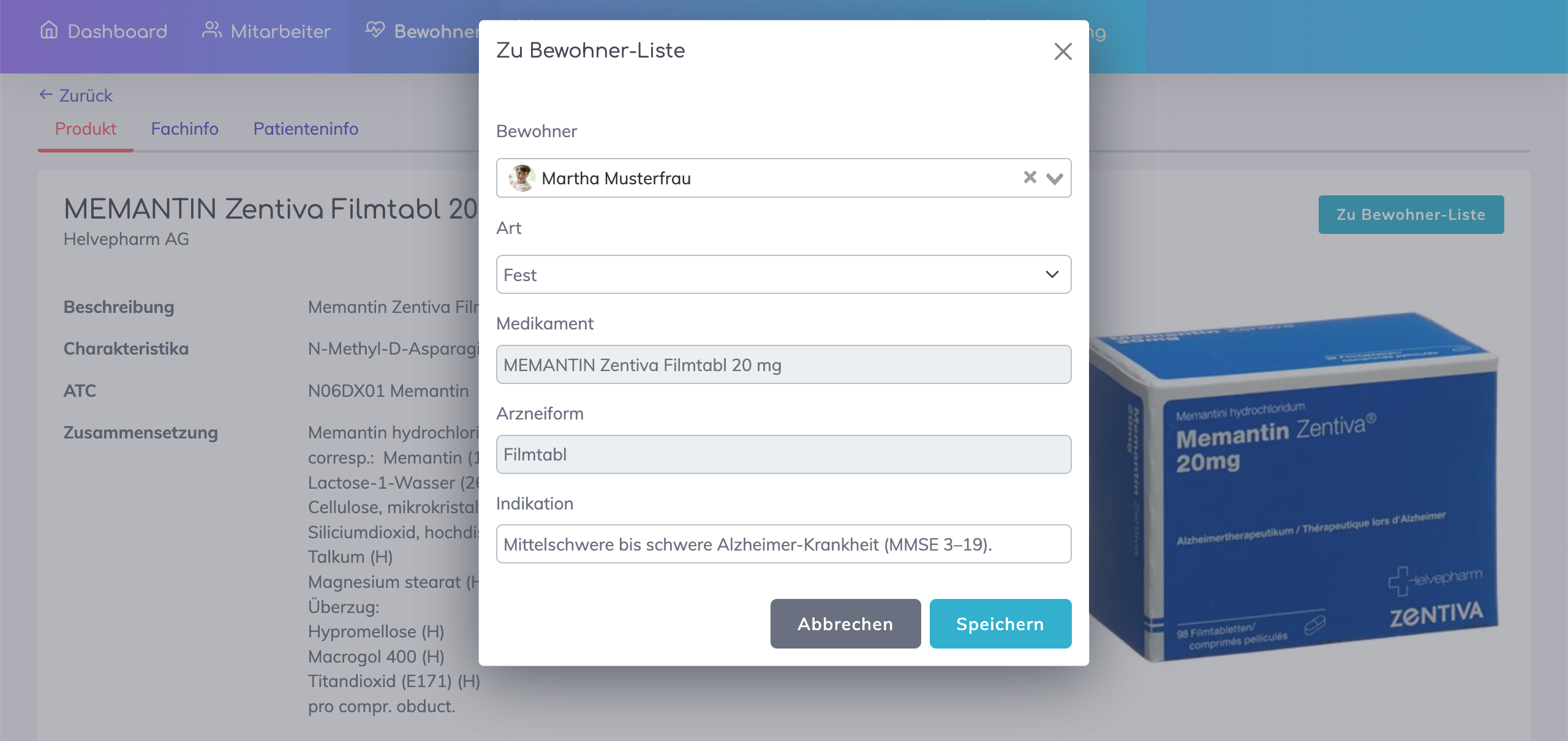
Select whether this medication should be a Fixed or a Reserve medication and click Save.
In the next step, add all the resident specific information e.g. prescription, prescription date, doctor name, dosage etc.
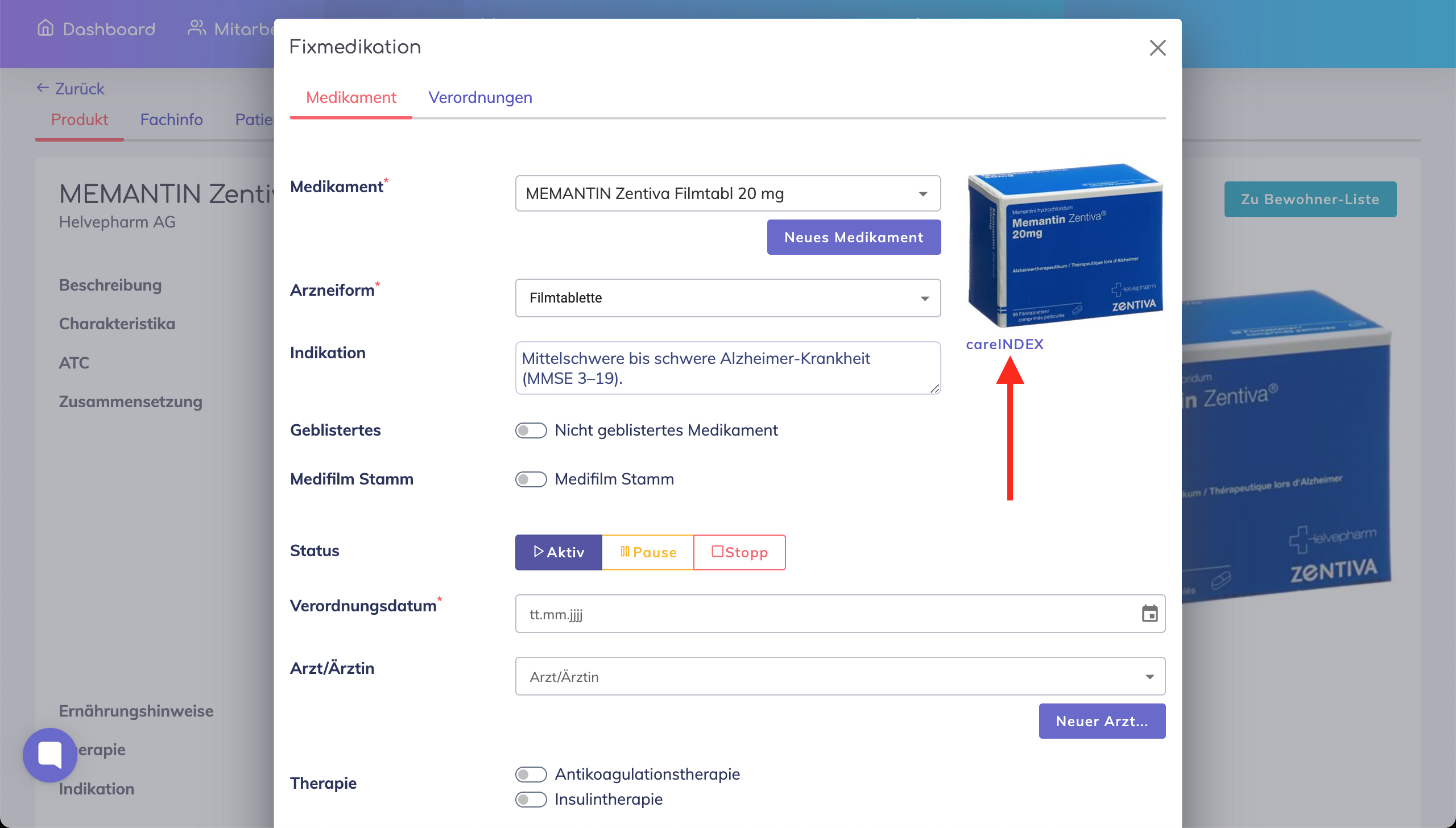

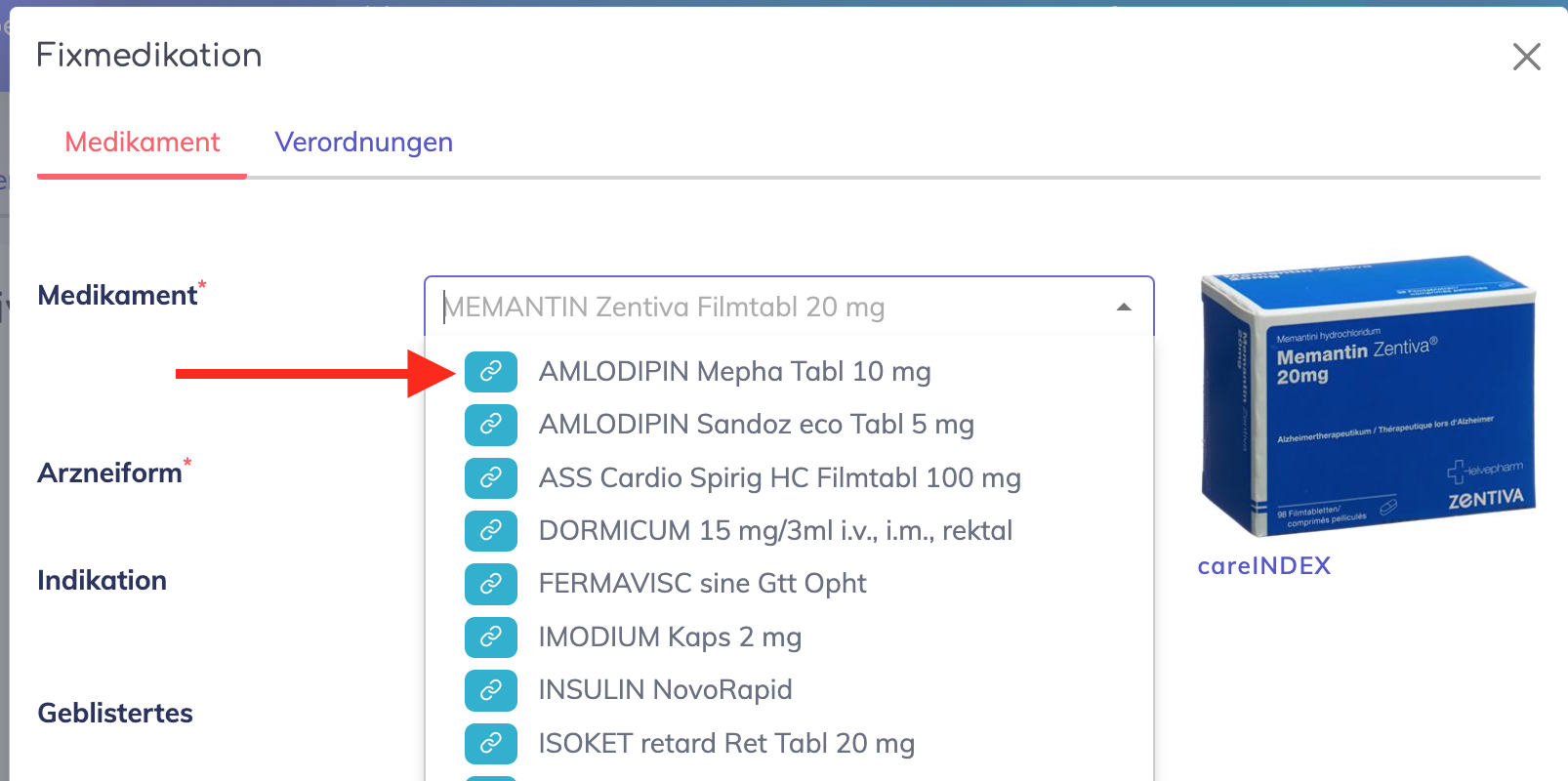
When adding a medication to the resident’s fixed or reserve medications, in the medication field a paperclip icon is displayed in the dropdown. This indicates that the medication is linked to careINDEX.
We're here to help. Please feel free to contact us.

